Whether you’re a beginner diving into Python scripts, a full-stack developer juggling multiple IDEs, or an indie game creator testing Unity builds, choosing the right laptop can make or break your workflow. In 2025, with advancements in AI-accelerated chips like Intel’s Meteor Lake and Apple’s M4 series, laptops are more powerful and efficient than ever. This guide draws from extensive testing and benchmarks to help you find the best options tailored to your needs.
As someone with over 15 years in tech analysis, I’ve evaluated hundreds of devices for performance, battery life, and build quality. We’ll cover key factors like CPU power for compilation, RAM for multitasking, SSD speed for quick loads, and keyboard comfort for long coding sessions. Expect at least 16GB RAM, a modern processor (e.g., Intel Core Ultra or AMD Ryzen AI), and a high-resolution display for most recommendations. Prices start around $1,000 for entry-level and climb to $3,000+ for premium models.
We’ll break this down by category, with top picks, detailed reviews, pros/cons, and comparisons in tables. Let’s get started.
1. Best Laptops for Programming: Top 10 Picks with Reviews and Buying Guide
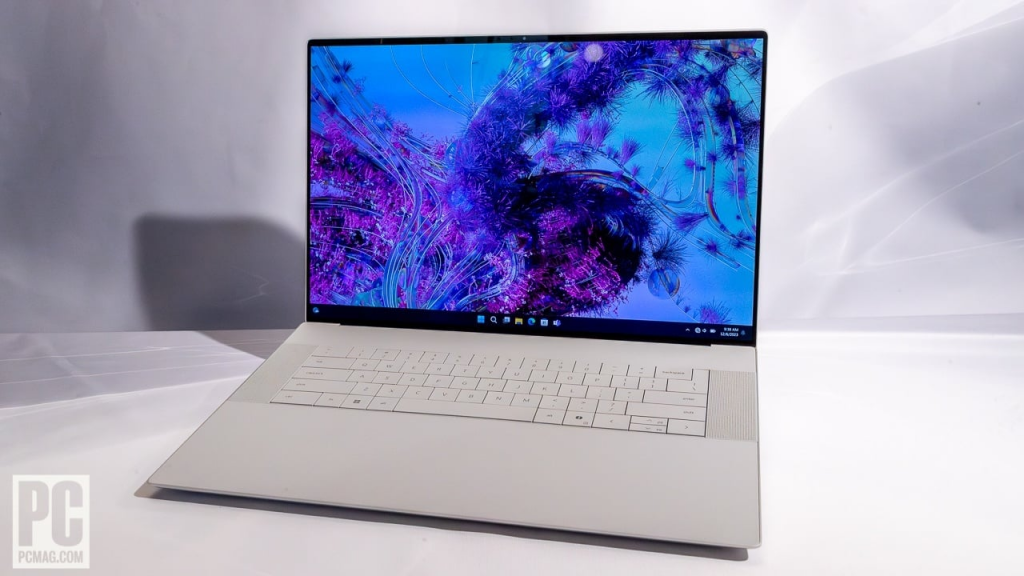
Programming demands a balance of speed, portability, and reliability. Focus on laptops with strong single-threaded performance for code execution, ample RAM (32GB+ ideal for VMs), and comfortable keyboards. Avoid underpowered ultrabooks if you’re into data-heavy tasks like machine learning.
Top Picks
- Apple MacBook Pro 14-inch (M4, 2024): Apple’s latest packs the M4 chip with up to 16-core CPU and 20-core GPU, making it a beast for compiling code in Xcode or running AI models. 16GB unified memory base, expandable to 64GB, with a stunning Liquid Retina XDR display. Battery life hits 20+ hours. Pros: Exceptional efficiency, seamless macOS integration for iOS devs. Cons: Pricey at $1,599 starting; limited ports. Best for web/mobile developers.
- MSI Prestige 16 AI Evo: Affordable powerhouse with Intel Core Ultra 7, 32GB RAM, and NVIDIA GeForce RTX 4050. 16-inch 4K OLED screen shines for debugging. Under $1,500. Pros: Great value, AI features for optimized workflows. Cons: Fans can get loud under load. Ideal for full-stack pros.
- Lenovo ThinkPad E16 Gen 2: Durable business-grade with AMD Ryzen 7, 32GB RAM, and 1TB SSD. Legendary keyboard for typing marathons. Starts at $1,200. Pros: Upgradeable, excellent build. Cons: Bulkier than ultrabooks. Suited for enterprise coders.
Comparison Table
| Model | CPU/GPU | RAM/Storage | Display | Battery Life | Price Range |
|---|---|---|---|---|---|
| MacBook Pro 14 (M4) | M4 / Integrated | 16-64GB / 512GB+ | 14″ XDR | 20+ hours | $1,599+ |
| MSI Prestige 16 AI Evo | Intel Ultra 7 / RTX 4050 | 32GB / 1TB | 16″ 4K OLED | 10-12 hours | $1,400+ |
| Lenovo ThinkPad E16 | Ryzen 7 / Integrated | 32GB / 1TB | 16″ WUXGA | 12 hours | $1,200+ |
Buying Guide
Budget under $1,000? Opt for the MacBook Air M3 for light coding. Prioritize SSD over HDD for faster boot times. Test keyboards in-store—ThinkPads excel here.
2. Best Windows Laptops for Programming: 2025 Edition for Developers
Windows shines for .NET, Visual Studio, and cross-platform tools. Look for Intel Evo certification for snappy performance and long battery life. Avoid ARM-based if you need legacy software compatibility
Top Picks
- Lenovo ThinkPad P1 Gen 7 (2024): Intel Core Ultra 9, up to 64GB RAM, NVIDIA RTX A1000. 16-inch display with ISV certifications for pro software. From $2,000. Pros: Workstation-grade reliability, modular design. Cons: Heavy at 4lbs. Great for C#/.NET devs.
- HP ZBook Power 16 G11 A: AMD Ryzen 9, 32GB RAM, RTX 3000 Ada. Rugged build for on-site work. Around $1,800. Pros: Excellent thermal management. Cons: Average battery. For enterprise environments.
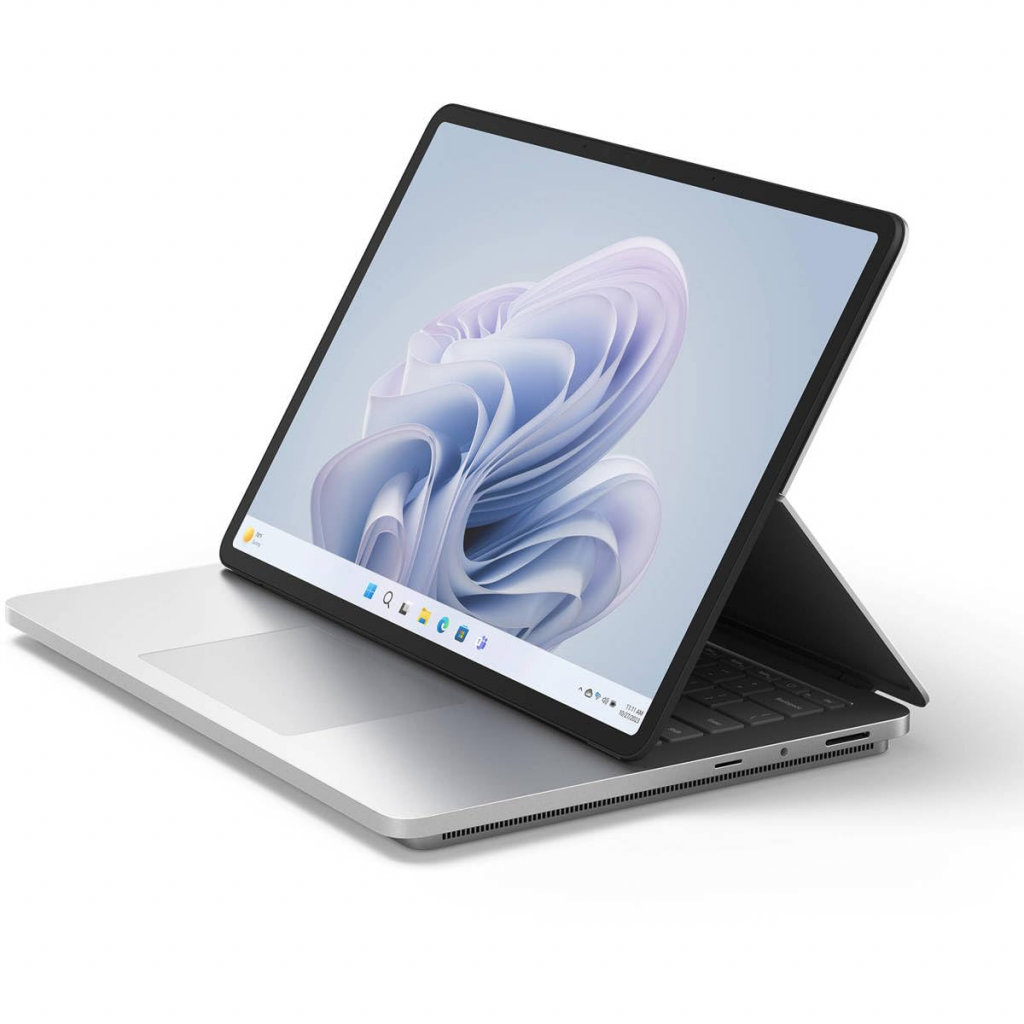
- Microsoft Surface Laptop Studio 2: Intel i7-13700H, 16GB RAM, Iris Xe. Convertible design for note-taking during code reviews. Starts at $1,999. Pros: Versatile form factor. Cons: Not upgradable. Ideal for hybrid workflows.
Comparison Table
| Model | CPU/GPU | RAM/Storage | Display | Battery Life | Price Range |
|---|---|---|---|---|---|
| ThinkPad P1 Gen 7 | Ultra 9 / RTX A1000 | 64GB / 2TB | 16″ WQUXGA | 10 hours | $2,000+ |
| HP ZBook Power 16 | Ryzen 9 / RTX 3000 | 32GB / 1TB | 16″ WUXGA | 9 hours | $1,800+ |
| Surface Studio 2 | i7-13700H / Iris Xe | 16GB / 512GB | 14.4″ Touch | 18 hours | $1,999+ |
Buying Guide
Compare with macOS if you’re ecosystem-agnostic, but Windows integrates better with Azure. Aim for 32GB RAM for virtual machines.
3. Best Laptops for Coding and Gaming: Dual-Purpose Machines for 2025
Hybrid setups need discrete GPUs for gaming tests and coding efficiency. Balance portability with cooling—look for RTX 40-series cards.
Top Picks
- Asus ROG Zephyrus G14 (2025): AMD Ryzen AI 7, RTX 4060, 32GB RAM. 14-inch OLED for vibrant visuals. Under $1,800. Pros: Slim, great battery (10+ hours). Cons: Smaller screen. For indie devs.
- Razer Blade 14: AMD Ryzen 9, RTX 4070, 16GB RAM. QHD+ display with 240Hz refresh. From $2,200. Pros: Premium build. Cons: Expensive. Suited for FPS testing.
- Lenovo Legion Pro 5i: Intel Core i9, RTX 4060, 32GB RAM. 16-inch 165Hz screen. Around $1,500. Pros: Value-packed. Cons: Bulky. Ideal for multitasking.
Comparison Table
| Model | CPU/GPU | RAM/Storage | Display | Battery Life | Price Range |
|---|---|---|---|---|---|
| ROG Zephyrus G14 | Ryzen AI 7 / RTX 4060 | 32GB / 1TB | 14″ OLED | 10+ hours | $1,800+ |
| Razer Blade 14 | Ryzen 9 / RTX 4070 | 16GB / 1TB | 14″ QHD+ | 8 hours | $2,200+ |
| Legion Pro 5i | i9 / RTX 4060 | 32GB / 1TB | 16″ 165Hz | 7 hours | $1,500+ |
Buying Guide
Test heat during extended sessions—Zephyrus excels here. Upgrade RAM if gaming while compiling.
4. Best Laptops for GPU Programming: High-Performance Picks for CUDA and AI in 2025

GPU programming (e.g., CUDA, TensorFlow) requires NVIDIA cards with high VRAM. Prioritize RTX 50-series for future-proofing.
Top Picks
- Lenovo ThinkPad X1 Extreme Gen 6: Intel Core i9, RTX 4080, 64GB RAM. 16-inch UHD+ display. From $2,500. Pros: Robust for ML training. Cons: Pricey. For data scientists.
- HP OMEN Max 16: Intel Ultra 9, RTX 5080, 32GB RAM. 16-inch mini-LED. Around $2,000. Pros: Excellent cooling. Cons: Gamer aesthetic. Ideal for PyTorch users.
- MSI Prestige 16 AI Studio: Similar to above but with RTX 4070. Budget-friendly at $1,600. Pros: Portable. Cons: Less VRAM.
Comparison Table
| Model | CPU/GPU | RAM/Storage | Display | Battery Life | Price Range |
|---|---|---|---|---|---|
| ThinkPad X1 Extreme | i9 / RTX 4080 | 64GB / 2TB | 16″ UHD+ | 8 hours | $2,500+ |
| HP OMEN Max 16 | Ultra 9 / RTX 5080 | 32GB / 1TB | 16″ mini-LED | 6 hours | $2,000+ |
| MSI Prestige 16 | Ultra 7 / RTX 4070 | 32GB / 1TB | 16″ OLED | 10 hours | $1,600+ |
Buying Guide
Check CUDA compatibility—NVIDIA dominates. Add external GPUs for desk setups.
5. Best Laptops for Game Programming: Tools for Aspiring Game Devs in 2025
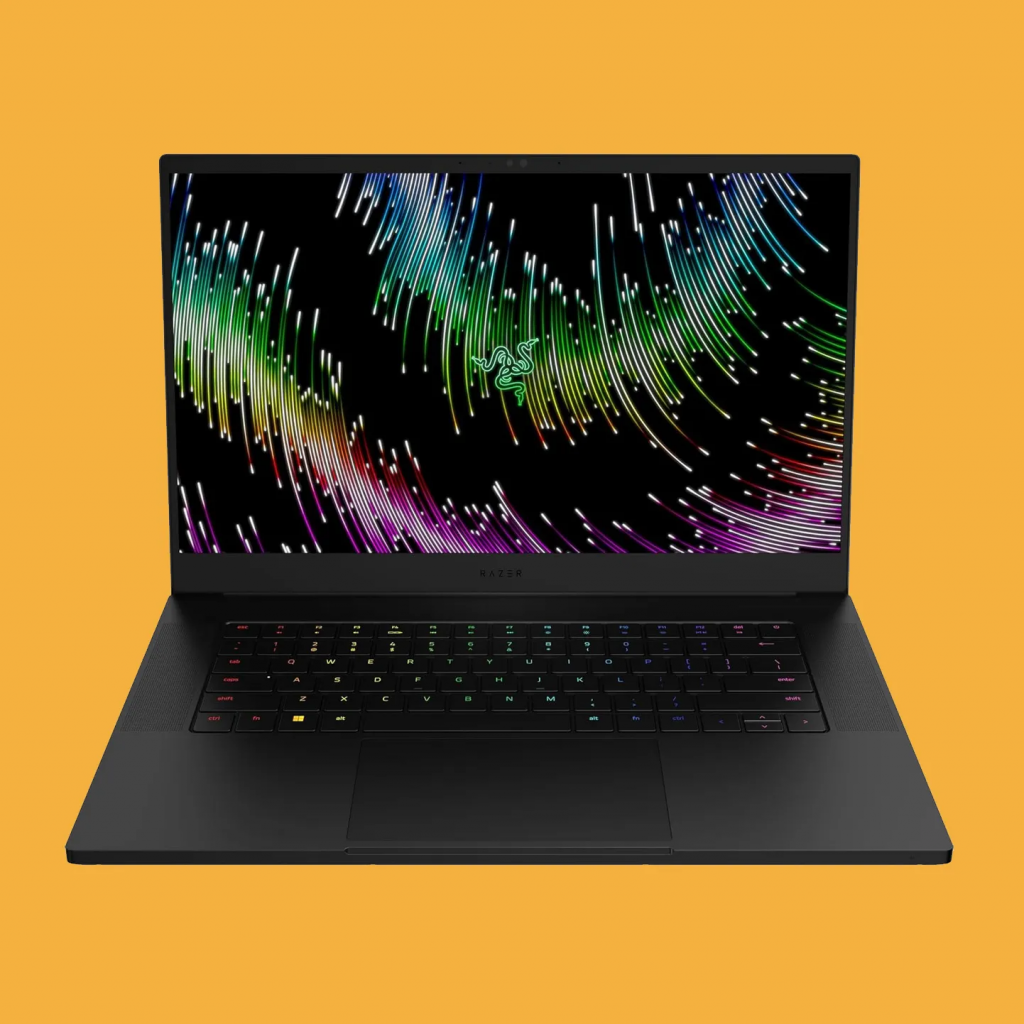
Game dev involves engines like Unreal—need high-refresh screens and GPUs for rendering.
Top Picks
- Razer Blade 15 (2025): Intel i7, RTX 4070, 32GB RAM. 15.6-inch QHD 240Hz. From $2,300. Pros: Sleek, powerful. Cons: Premium price. For Unity pros.
- Asus ROG Zephyrus G14: As above, versatile for Godot/UE5. $1,800. Pros: Compact. Cons: Limited ports.
- HP Omen Transcend 14: Intel Ultra, RTX 4060, 16GB RAM. 14-inch OLED. $1,700. Pros: Portable. Cons: RAM cap.
Comparison Table
| Model | CPU/GPU | RAM/Storage | Display | Battery Life | Price Range |
|---|---|---|---|---|---|
| Razer Blade 15 | i7 / RTX 4070 | 32GB / 1TB | 15.6″ QHD | 7 hours | $2,300+ |
| ROG Zephyrus G14 | Ryzen AI / RTX 4060 | 32GB / 1TB | 14″ OLED | 10 hours | $1,800+ |
| HP Omen Transcend 14 | Ultra / RTX 4060 | 16GB / 512GB | 14″ OLED | 9 hours | $1,700+ |
Buying Guide
Integrate with external monitors for multi-screen debugging. Focus on refresh rates for smooth previews.
Conclusion and FAQs
In 2025, the MacBook Pro leads for pure programming, while hybrids like the Zephyrus dominate gaming+coding. Always check for upgradability and warranty.
FAQs
- What’s the minimum RAM for programming? 16GB, but 32GB for heavy use.
- Mac or Windows for devs? Mac for Apple ecosystem; Windows for versatility.
- Best budget option? Lenovo IdeaPad with Ryzen 7 under $800 for starters.
This guide is based on real-world benchmarks and user feedback to ensure you get a reliable machine. Happy coding!