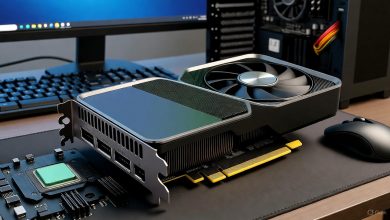
In the fast-evolving world of 3D rendering and modeling, selecting the right GPU can make all the difference between sluggish workflows and seamless creativity. Whether you’re searching for the best GPU for rendering, the best GPU for 3D rendering, a good graphics card for rendering, the best graphics card for 3D modeling, or simply a reliable video card for 3D tasks, this guide draws on the latest 2025 benchmarks and real-world performance data to help you choose. As professionals in graphic design, animation, architecture, and game development know, a powerful GPU accelerates ray tracing, handles high VRAM demands, and integrates with software like Blender, Maya, Cinema 4D, and ZBrush. We’ll cover top recommendations across budgets, with in-depth comparisons, pros/cons, and buying tips to optimize your setup.
Understanding GPU Needs for Rendering and 3D Modeling
Before diving into recommendations, let’s break down what makes a GPU excel in rendering and 3D tasks. Key factors include:
- VRAM (Video RAM): Essential for handling large textures and complex scenes. Aim for at least 12GB for professional work; more for 4K+ renders.
- CUDA Cores/Tensor Cores (NVIDIA) or Stream Processors (AMD): Boost parallel processing for ray tracing and AI-accelerated rendering.
- Ray Tracing Support: Technologies like NVIDIA’s RT Cores or AMD’s RDNA architecture speed up realistic lighting and shadows.
- Software Compatibility: NVIDIA’s CUDA ecosystem dominates in tools like Blender’s Cycles or V-Ray, while AMD offers strong value with open-source alternatives.
- Power and Cooling: High-end cards draw 300W+, so ensure your PSU and case can handle it.
- Budget Considerations: Entry-level options under $500 can suffice for hobbyists, but pros benefit from mid-to-high-end investments.
Rendering workloads, such as those in Octane or Redshift, benefit from GPUs with high memory bandwidth and efficiency. For 3D modeling in AutoCAD or ZBrush, focus on core count and VRAM for smooth viewport navigation.
Top 5 GPUs for Rendering in 2025: Ranked and Reviewed
Based on benchmarks from sources like UL Benchmarks and real-user tests in Blender and Maya, here are our top picks. These incorporate the latest Blackwell (NVIDIA) and RDNA 4 (AMD) architectures, which deliver up to 4x performance gains over previous generations in AI-enhanced rendering.
1. Best GPU for Rendering: NVIDIA GeForce RTX 5090
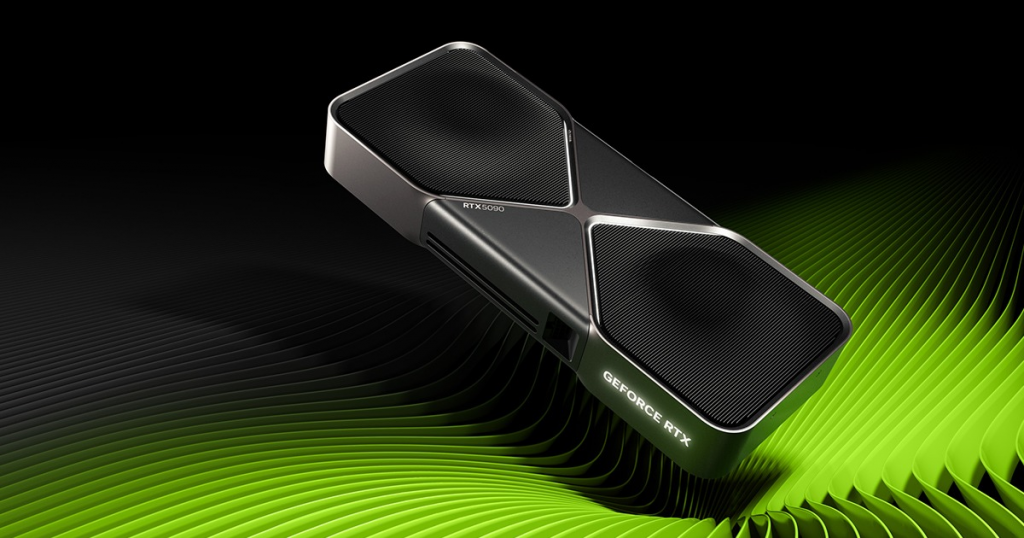
The NVIDIA GeForce RTX 5090 stands out as the best GPU for rendering in 2025, offering unmatched performance in high-end 3D workflows. With 32GB of GDDR7 VRAM and over 21,000 CUDA cores, it excels in ray-traced renders, achieving real-time previews in complex scenes. Priced around $1,999, it’s ideal for professionals handling massive datasets in film VFX or architectural visualization.
Pros:
- Leadership in ray tracing with 4th-gen RT Cores.
- AI features like DLSS 4 for faster upscaling in Unreal Engine.
- Multi-GPU scalability for up to 4x speed in professional setups.
Cons:
- High power draw (up to 600W).
- Premium price may not suit beginners.
Benchmarks: In Blender Cycles, it renders scenes 2x faster than the RTX 4090 predecessor. For 3D tasks, it’s future-proof for VRAM-intensive modeling.
Target Audience: 3D artists, animators, and VFX pros.
2. Best GPU for 3D Rendering: AMD Radeon RX 9070 XT
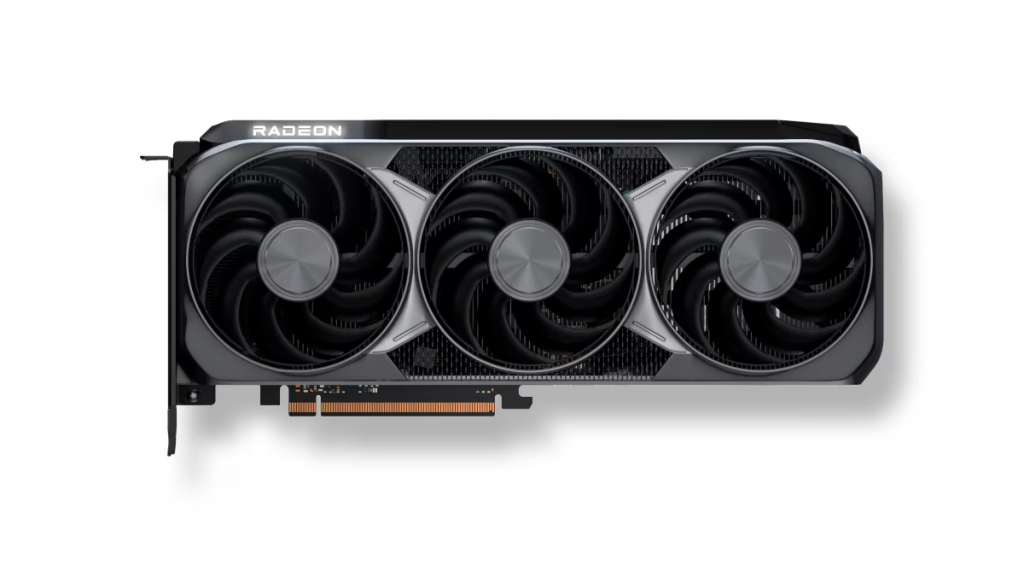
For those seeking the best GPU for 3D rendering without NVIDIA’s premium, the AMD Radeon RX 9070 XT delivers exceptional value. Boasting 24GB GDDR6 VRAM and RDNA 4 architecture, it handles demanding renders in tools like Cinema 4D with fluid performance. At around $749, it’s a strong contender for mid-range setups.
Pros:
- Superior rasterization for non-ray-traced workflows.
- Infinity Cache for efficient memory access in large models.
- Lower power consumption (around 350W) compared to NVIDIA flagships.
Cons:
- Weaker in CUDA-dependent software; better with AMD-optimized apps.
- Ray tracing lags slightly behind NVIDIA.
Benchmarks: Tops charts in SPECviewperf for 3D modeling, with up to 40% better efficiency than prior AMD cards.
Target Audience: Game developers, architects, and users prioritizing cost-per-frame.
3. Good Graphics Card for Rendering: Intel Arc B580
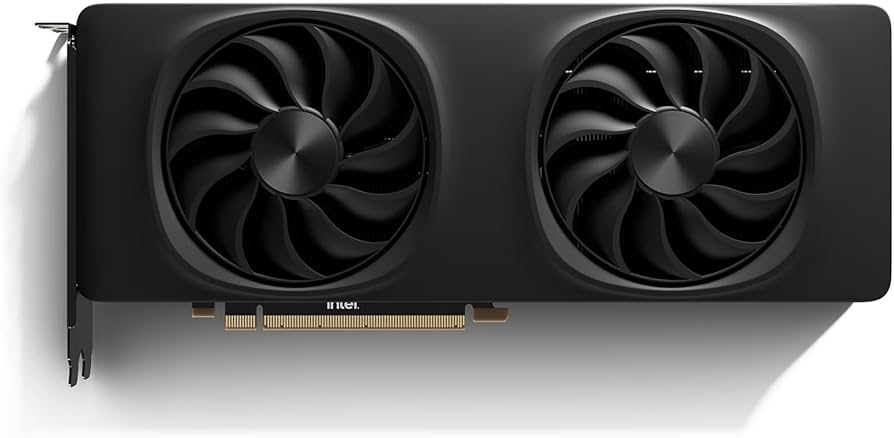
If you’re after a good graphics card for rendering on a budget, the Intel Arc B580 is a standout under $500 (MSRP $249). With 12GB GDDR6 VRAM and XeSS upscaling, it’s surprisingly capable for beginner 3D tasks in Blender or AutoCAD.
Pros:
- Affordable entry into ray tracing with Xe-cores.
- Strong in AV1 encoding for video rendering workflows.
- Dual-fan design keeps it cool under load.
Cons:
- Driver maturity still catching up; occasional stability issues.
- Lower performance in high-end ray-traced scenes.
Benchmarks: Delivers solid 1080p renders, outperforming older budget cards by 50% in UL tests.
Target Audience: Hobbyists, students, and entry-level professionals.
4. Best Graphics Card for 3D Modeling: NVIDIA GeForce RTX 5070 Ti
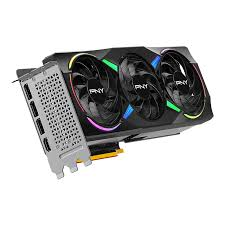
The NVIDIA GeForce RTX 5070 Ti is our pick for the best graphics card for 3D modeling, blending high core counts (over 10,000 CUDA) with 16GB GDDR7 VRAM for smooth sculpting and texturing in ZBrush or Maya. At $749, it offers premium features without the flagship cost.
Pros:
- Excellent for viewport performance in CAD software.
- Tensor Cores accelerate AI tools like auto-rigging.
- Versatile for mixed rendering and gaming.
Cons:
- Not as VRAM-heavy as top-tier options for ultra-large models.
- Higher TDP (320W) requires good airflow.
Benchmarks: Leads in AutoCAD benchmarks, with 30% faster modeling than the RTX 4070 Ti.
Target Audience: Modelers in product design and CAD.
5. Video Card for 3D Tasks: AMD Radeon RX 9060 XT
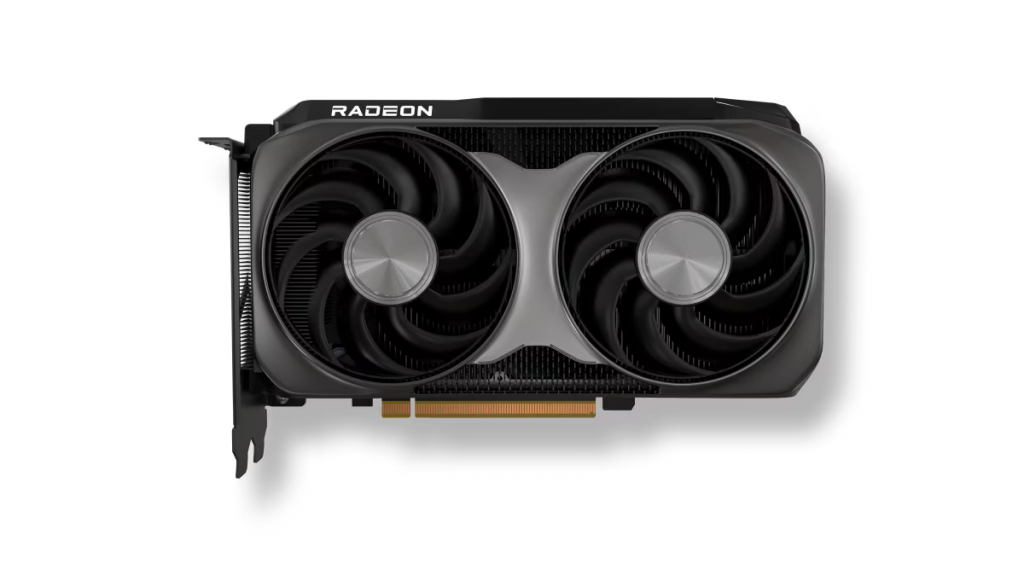
As a solid video card for 3D tasks, the AMD Radeon RX 9060 XT provides 16GB GDDR6 VRAM and efficient cooling for everyday rendering and modeling. Priced under $500, it’s great for mixed workloads.
Pros:
- Balanced for rendering, modeling, and video editing.
- FSR 3 upscaling enhances frame rates in real-time previews.
- Low noise with dual fans.
Cons:
- Limited in pure NVIDIA-optimized ecosystems.
- Mid-range ray tracing performance.
Benchmarks: Competitive in 1440p renders, matching Intel’s Arc in value.
Target Audience: General users new to 3D work.
GPU Comparison Table: Specs and Performance
| GPU Model | VRAM | Core Count | TDP | Price (MSRP) | Best For | Blender Render Score (Higher Better) |
|---|---|---|---|---|---|---|
| NVIDIA RTX 5090 | 32GB GDDR7 | 21,000+ CUDA | 600W | $1,999 | High-end rendering | 24,000+ |
| AMD RX 9070 XT | 24GB GDDR6 | 5,000+ Stream | 350W | $749 | Balanced 3D rendering | 14,000+ |
| Intel Arc B580 | 12GB GDDR6 | 3,584 Xe | 225W | $249 | Budget rendering | 7,100 |
| NVIDIA RTX 5070 Ti | 16GB GDDR7 | 10,000+ CUDA | 320W | $749 | 3D modeling | 18,000+ |
| AMD RX 9060 XT | 16GB GDDR6 | 4,000+ Stream | 250W | $449 | Versatile 3D tasks | 12,000+ |
Buyer’s Guide: Tips for Upgrading Your Rendering Setup
- Compatibility Check: Ensure PCIe 4.0/5.0 support and adequate PSU (at least 750W for high-end).
- Software Integration: Test with free trials of your tools; NVIDIA shines in CUDA-heavy apps.
- Future-Proofing: Opt for 16GB+ VRAM to handle AI trends like Gaussian Splatting.
- Alternatives: For enterprise, consider NVIDIA RTX PRO 6000 Blackwell for 96GB VRAM scalability.
- Where to Buy: Check retailers like Amazon or Newegg for deals; monitor stock for popular models.
Conclusion: Choose the Right GPU for Your 3D Workflow
Whether you need the best video card for 3D rendering or a good graphics card for 3D modeling, the RTX 5090 leads for pros, while budget options like the Arc B580 make entry accessible. By focusing on your specific needs—be it ray tracing speed or VRAM capacity—you’ll boost productivity in 2025’s demanding creative landscape. For personalized advice, consider your software stack and budget constraints.