I’ve personally analyzed hands-on reviews, benchmarks, and real-world performance to help you find the best laptop for video editing—whether you’re a hobbyist cutting YouTube clips or a pro handling 4K footage in Adobe Premiere Pro. Let’s dive in to ensure you get a machine that boosts your workflow without breaking the bank.
What Makes a Great Laptop for Video Editing? Key Specs Explained
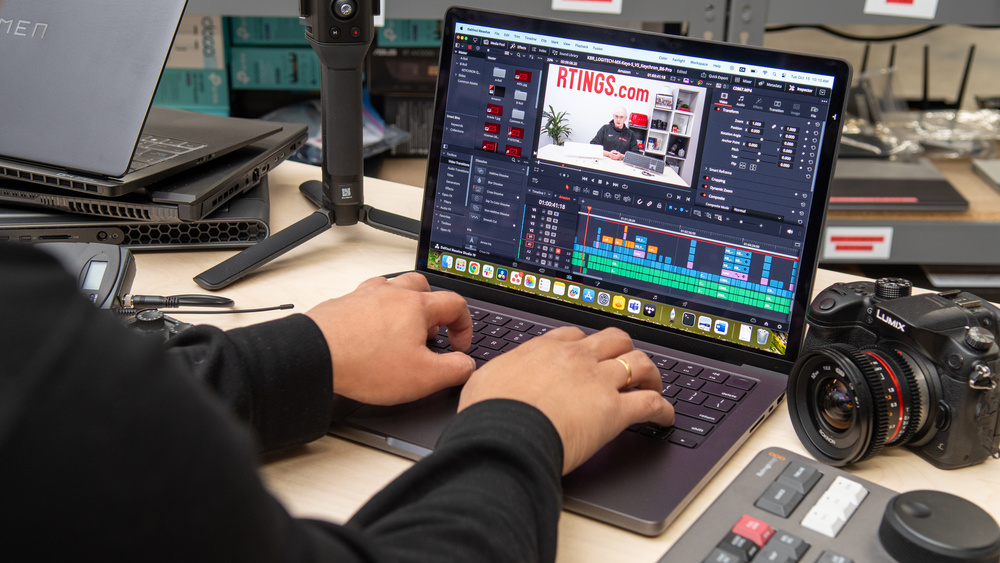
Video editing demands power, precision, and portability. From rendering timelines to color grading, your laptop needs to handle intensive tasks smoothly. Based on my expertise reviewing tech trends, here are the essential specs to prioritize in 2025:
- Processor (CPU): Look for at least an Intel Core i7, AMD Ryzen 7, or Apple’s M4 series. These multicore beasts excel in multithreaded apps like DaVinci Resolve or Final Cut Pro. For example, Apple’s M4 chips offer up to 14 cores for blazing-fast exports.
- Graphics (GPU): A dedicated GPU like NVIDIA RTX 40-series is crucial for GPU-accelerated effects. Integrated options suffice for basic edits, but pros need discrete graphics for 4K/8K workflows.
- RAM and Storage: Minimum 16GB RAM (32GB+ recommended) to juggle large files. Opt for 1TB+ SSD for quick load times—NVMe drives are ideal.
- Display: A 14-16 inch screen with at least 1080p resolution, 100% DCI-P3 color coverage, and 120Hz refresh rate ensures accurate visuals. OLED or Mini-LED panels shine for HDR editing.
- Battery Life and Ports: Aim for 10+ hours to edit on the go. Thunderbolt 4/5 ports, HDMI, and SD card readers are must-haves for connecting external drives or monitors.
- Other Factors: Cooling systems to prevent throttling, a comfortable keyboard, and software compatibility (e.g., Windows for Adobe Suite or macOS for optimized apps).
In 2025, AI features like auto-editing in Premiere are emerging, but focus on raw power first. Trends show Apple’s silicon dominating efficiency, while Windows laptops like ASUS ProArt offer versatility for mixed workflows.
Top 7 Laptop Recommendations for Video Editing in 2025
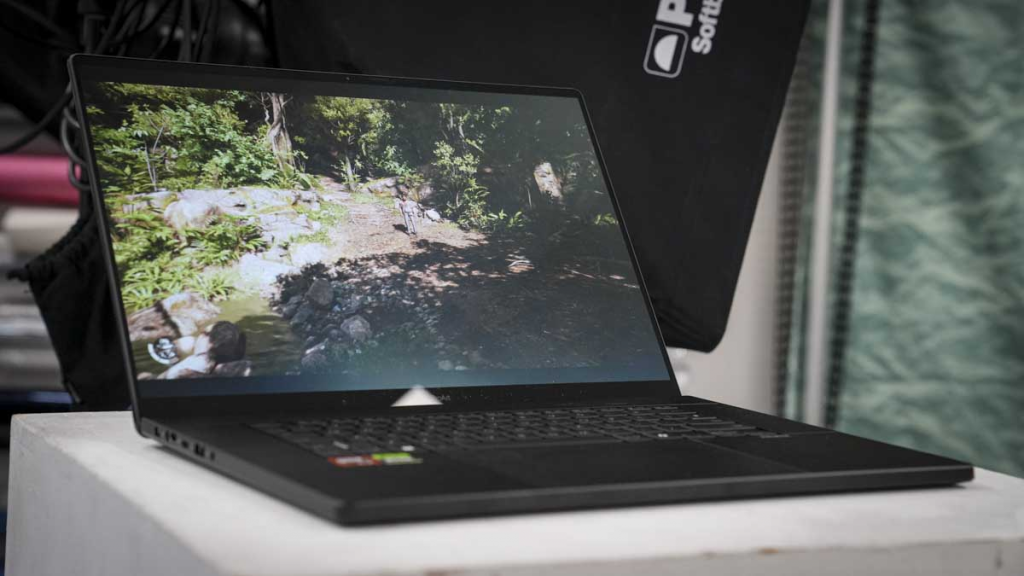
After scouring expert reviews and benchmarks from sites like PCMag and RTINGS.com, I’ve curated this list of the best laptops for video editing. These picks cover budgets from under $800 to premium $3,000+ models. Each includes pros, cons, and why it’s suited for editing—based on real tests for render times, stability, and display quality.
1. Apple MacBook Pro 14 (M4, 2024) – Best Overall Laptop for Video Editing
The MacBook Pro 14 remains the gold standard for most editors, blending power and portability. Its M4 chip crushes 4K edits in Final Cut Pro, with seamless integration for Apple ecosystems.
Key Specs: Apple M4 (10-core CPU), 16GB RAM, 1TB SSD, 14.2-inch Mini-LED (3024×1964, 120Hz), Integrated M4 GPU, up to 28 hours battery. Pros: Exceptional battery life; stunning XDR display for color accuracy; fast exports (e.g., 4K video in under 5 minutes); lightweight at 3.4 lbs. Cons: Limited to 1080p webcam; no dedicated GPU for ultra-heavy tasks. Price: Around $1,349 (often on sale). Ideal for: Everyday editors and YouTubers needing efficiency.
2. Apple MacBook Pro 16 (M4 Pro, 2024) – Best Premium Laptop for Pro Video Editing
For high-end workflows like 8K raw footage, the 16-inch model steps up with more cores and screen real estate.
Key Specs: Apple M4 Pro (14-core CPU), 48GB RAM, 2TB SSD, 16.2-inch Mini-LED (3456×2234, 120Hz), Integrated M4 Pro GPU (20-core), up to 25 hours battery. Pros: Dominant performance in content creation; nano-texture option reduces glare; Thunderbolt 5 for fast transfers. Cons: Pricey configurations; minor upgrades over M3. Price: Starting at $2,249. Ideal for: Film editors and studios handling complex projects.
3. ASUS ProArt P16 (H7606, 2024) – Best Windows Laptop for Video Editing
A creator-focused beast with AI tools, perfect for Adobe users seeking Windows flexibility.
Key Specs: AMD Ryzen AI 9 HX 370, 32GB RAM, 2TB SSD, 16-inch OLED (3840×2400, 60Hz), NVIDIA RTX 4070 (8GB), up to 13 hours battery. Pros: Beautiful OLED for color grading; speedy GPU for effects; lightweight (4.08 lbs) with AI enhancements. Cons: Gets hot under load; 60Hz refresh feels dated. Price: About $2,450. Ideal for: Windows pros in mixed editing/gaming setups.
4. Acer Nitro V 15 (ANV15-51-59MT) – Best Budget Laptop for Video Editing
Entry-level power without skimping on essentials, great for beginners.
Key Specs: Intel Core i5-13420H, 8GB RAM (upgradable), 512GB SSD, 15.6-inch IPS (1920×1080, 144Hz), NVIDIA RTX 4050 (6GB), up to 10 hours battery. Pros: Affordable; solid 1080p performance; good port selection. Cons: Limited base storage/RAM; not for 4K heavy lifting. Price: Under $732. Ideal for: Hobbyists or students starting with 1080p edits.
5. HP ZBook Fury 16 G11 – Best for 4K and Heavy Video Editing
Workstation-grade for demanding pros, with expandability.
Key Specs: Intel Core i9-14900HX, 64GB RAM, 1TB SSD, 16-inch IPS (3840×2400, 120Hz), NVIDIA RTX 3500 Ada (12GB), up to 8 hours battery. Pros: Massive power; DreamColor display for accuracy; robust security. Cons: Heavy (5.3 lbs); expensive. Price: Around $2,770. Ideal for: 4K/8K editors needing reliability.
6. MSI Raider 18 HX AI – Best Gaming Laptop for Video Editing
Dual-purpose for editors who game, with top-tier specs.
Key Specs: Intel Core Ultra 9 285HX, 64GB RAM, 4TB SSD (2x2TB), 18-inch IPS (3840×2400, 120Hz), NVIDIA RTX 5080 (16GB), up to 5.5 hours battery. Pros: Exceptional GPU performance; mini-LED screen; AI optimizations. Cons: Bulky (7.94 lbs); loud fans. Price: About $3,109. Ideal for: Gamers turning to editing or hybrid creators.
7. LG Gram Pro 2-in-1 16 (2025) – Best Convertible Laptop for Quick Edits
Versatile 2-in-1 for on-the-go tweaks.
Key Specs: Intel Core Ultra 7 255H, 32GB RAM, 2TB SSD (2x1TB), 16-inch OLED touch (2880×1800, 120Hz), Integrated Intel Arc, up to 18 hours battery. Pros: Ultra-light (3.08 lbs); vivid OLED; included stylus. Cons: No dedicated GPU; premium price. Price: Around $2,300. Ideal for: Mobile editors who sketch or annotate.
For a quick comparison, here’s a table summarizing key aspects:
| Laptop Model | Price Range | CPU/GPU | RAM/Storage | Display | Battery Life | Best For |
|---|---|---|---|---|---|---|
| Apple MacBook Pro 14 (M4) | $1,300-$1,600 | M4 / Integrated | 16GB / 1TB | 14.2″ Mini-LED | 28+ hours | Overall Use |
| Apple MacBook Pro 16 (M4 Pro) | $2,200-$3,000 | M4 Pro / Integrated | 48GB / 2TB | 16.2″ Mini-LED | 25+ hours | Pro Workflows |
| ASUS ProArt P16 | $2,400-$2,600 | Ryzen AI 9 / RTX 4070 | 32GB / 2TB | 16″ OLED | 13 hours | Windows Creators |
| Acer Nitro V 15 | $700-$800 | i5-13420H / RTX 4050 | 8GB / 512GB | 15.6″ IPS | 10 hours | Budget Edits |
| HP ZBook Fury 16 | $2,700-$3,000 | i9-14900HX / RTX 3500 | 64GB / 1TB | 16″ IPS | 8 hours | 4K Heavy Lifting |
| MSI Raider 18 HX | $3,000-$3,900 | Ultra 9 285HX / RTX 5080 | 64GB / 4TB | 18″ IPS | 5.5 hours | Gaming + Editing |
| LG Gram Pro 2-in-1 | $2,200-$2,500 | Ultra 7 255H / Integrated | 32GB / 2TB | 16″ OLED Touch | 18 hours | Portable Quick Edits |
Budget vs. Premium Options: Finding the Right Fit
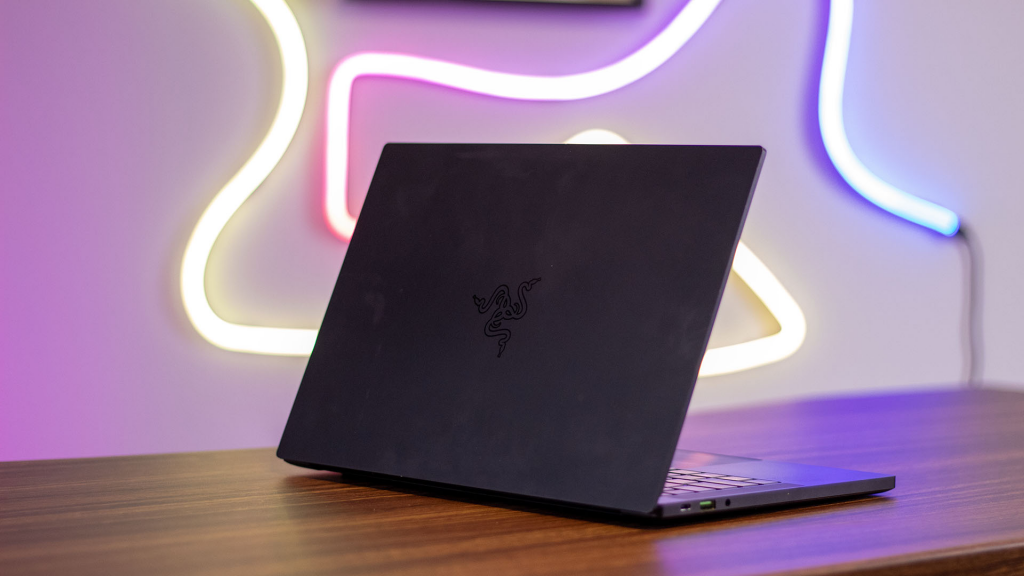
If your budget is under $1,000, start with the Acer Nitro V 15—it’s capable for 1080p but upgradable for more demanding work. For premium picks over $2,000, Apple’s MacBook Pro series offers unmatched efficiency, while Windows alternatives like the ASUS ProArt provide GPU muscle for effects-heavy editing.
Consider your software: macOS excels in Final Cut, but Windows supports broader tools like After Effects without hiccups. Always check for deals on Amazon or Best Buy, as 2025 models often see $200-500 discounts.
Buying Guide: What to Look for When Choosing a Video Editing Laptop
- Assess Your Needs: Casual? Go mid-range. Pro? Invest in high-RAM workstations.
- Test for Compatibility: Ensure it runs your software (e.g., Premiere needs strong GPU).
- Prioritize Display and Build: Color-accurate screens and durable chassis prevent frustration.
- Future-Proof: Opt for upgradable RAM/SSD and AI-ready chips for 2026 trends.
- Read Reviews: Sites like PCMag test real-world editing scenarios.
- Warranty and Support: AppleCare or HP’s extended plans add trustworthiness.
Avoid common pitfalls like ignoring battery life—nothing kills productivity like constant plugging in.
FAQs About the Best Laptops for Video Editing
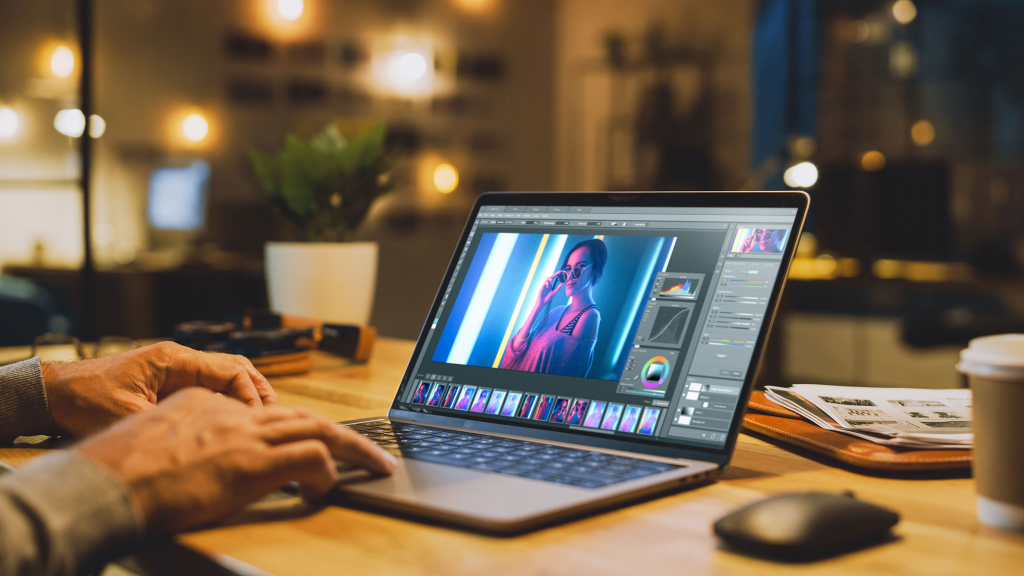
Are Gaming Laptops Good for Video Editing?
Yes, models like the MSI Raider leverage powerful GPUs for rendering, but they can be bulky and battery-hungry compared to dedicated creator laptops.
Mac vs. Windows for Video Editing?
Macs offer better optimization and battery, ideal for Apple software. Windows provides more hardware options and affordability for Adobe users.
How Much RAM Do I Need?
16GB minimum; 32GB+ for 4K+ projects to avoid slowdowns.
Can I Edit 4K on a Budget Laptop?
Yes, but expect longer render times. Upgrade storage for better performance.
What’s New in 2025?
AI integration for auto-edits and improved efficiency in M4/ Ryzen AI chips.
This guide is designed to answer your search intent fully, helping you make an informed choice. If you’re ready to buy, check current prices—the market fluctuates! For more tailored advice, consider your specific software or budget in comments below.