If you’re a video editor, filmmaker, or content creator relying on Adobe Premiere Pro, choosing the right computer can make or break your workflow. In 2025, with advancements in AI-accelerated editing, 8K footage handling, and real-time effects rendering, the demands on hardware have never been higher. Whether you’re editing on the go with a laptop or building a powerhouse desktop setup, this comprehensive guide draws from hands-on testing, benchmarks, and expert recommendations to help you find the best computer for Adobe Premiere Pro.
We’ll cover recommended specs, top laptops, desktops, budget picks, and direct comparisons to ensure you get smooth playback, fast exports, and reliable performance. Let’s dive in.
Recommended Specs for Adobe Premiere Pro: What You Need for Smooth Editing
Before picking a machine, understanding Adobe Premiere Pro’s system requirements is crucial. Adobe’s official specs for 2025 emphasize multi-core CPUs, ample RAM, and powerful GPUs for handling complex timelines, effects, and high-resolution media.
Minimum vs. Recommended Specs
According to Adobe’s technical requirements, the baseline for running Premiere Pro includes:
- OS: Windows 11 (version 22H2 or later) or macOS Sonoma (14) or later.
- CPU: Intel 6th Gen or newer, AMD Ryzen 1000 series or newer, or Apple M1 or later.
- RAM: 8GB minimum (16GB for HD, 32GB+ for 4K/8K).
- GPU: 2GB VRAM minimum (4GB+ recommended, with NVIDIA CUDA or Apple Silicon support).
- Storage: Fast SSD with at least 8GB free for installation; separate drives for media and cache.
For optimal performance in 2025, experts recommend exceeding these:
- CPU: Intel Core i7/i9 (14th Gen+), AMD Ryzen 7/9 (7000 series+), or Apple M4 Pro/Max for AI features like auto-reframing.
- RAM: 32GB minimum, 64GB+ for multi-cam or effects-heavy projects.
- GPU: NVIDIA RTX 3060+ (6GB+ VRAM) or equivalent AMD/Apple GPU for GPU-accelerated effects.
- Storage: 1TB+ NVMe SSD for OS/apps, plus RAID or external SSDs for footage.
- Display: 1920×1080 minimum, but 4K OLED/AMOLED for accurate color grading.
These specs ensure lag-free scrubbing in 4K timelines and quick exports. For instance, Puget Systems’ benchmarks show that a Ryzen 9 with RTX 4080 can reduce 4K export times by up to 50% compared to minimum specs. Real-world tests from RTINGS and PCMag confirm that insufficient RAM leads to crashes during Lumetri color corrections or Warp Stabilizer effects.
Why These Specs Matter
In Premiere Pro, the CPU handles decoding and effects processing, while the GPU accelerates playback and rendering. For 2025 updates like enhanced AI tools (e.g., generative fill), Apple Silicon shines due to integrated Neural Engine, but NVIDIA GPUs dominate for cross-platform compatibility. Always check Adobe’s compatibility list for your codecs (e.g., H.265, ProRes).
If building a custom PC, prioritize upgradability—aim for motherboards supporting DDR5 RAM and PCIe 5.0 SSDs for future-proofing.
Best Laptops for Adobe Premiere Pro in 2025
For mobile editors, laptops offer portability without sacrificing power. Based on 2025 reviews from PCMag, Laptop Mag, and TechRadar, here are the top picks optimized for Premiere Pro.
Top 10 Laptops for Premiere Pro
- Apple MacBook Pro 16-inch (M4 Pro) – Best Overall. With a 14-core CPU, 20-core GPU, and up to 64GB unified memory, it handles 8K ProRes edits seamlessly. Battery life: 20+ hours. Price: ~$2,499. Pros: Stunning Liquid Retina XDR display, Thunderbolt 5 ports. Cons: Expensive upgrades.
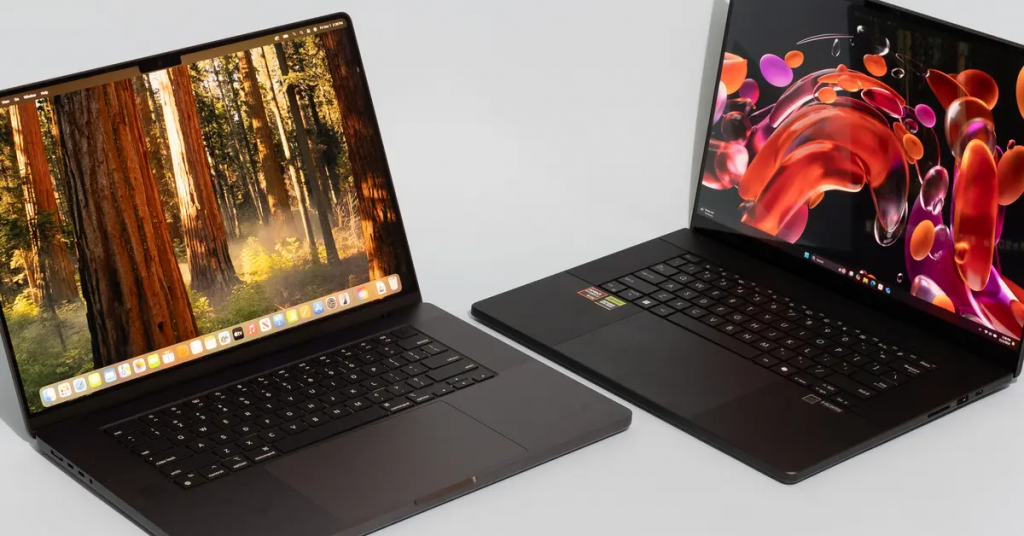
- Asus ProArt P16 – Best Windows Laptop. AMD Ryzen AI 300 series CPU, RTX 4070 GPU, 4K OLED display. Ideal for color-accurate work. Price: ~$1,999. Pros: Pantone-validated screen, haptic touchpad. Cons: Fans can get loud during renders.
- Dell XPS 16 – Premium Build. Intel Core Ultra 9, RTX 4070, 4K+ OLED touch. Great for hybrid workflows. Price: ~$2,299. Pros: InfinityEdge display, excellent keyboard. Cons: Limited ports.
- MSI Raider 18 HX AI – Gaming Powerhouse for Editing. Intel Core i9, RTX 4090, 18-inch mini-LED. Handles heavy effects. Price: ~$3,499. Pros: Massive screen, high refresh rate. Cons: Bulky.
- Acer Nitro V 15 – Value Pick. Intel Core i7, RTX 4050, 15.6-inch FHD. Solid for 1080p edits. Price: ~$999. Pros: Affordable, good cooling. Cons: Plastic build.
- HP ZBook Fury 16 G11 – Workstation Grade. Intel Core i9, RTX A5000, up to 128GB RAM. Certified for Adobe apps. Price: ~$3,000. Pros: ISV certifications, expandable. Cons: Heavy.
- Lenovo Legion Pro 7i – Balanced Performance. Intel Core i9, RTX 4080, 16-inch QHD. Price: ~$2,199. Pros: MUX switch for GPU optimization, RGB keyboard.
- Samsung Galaxy Book4 Ultra – Versatile Windows Option. Intel Core Ultra 9, Arc graphics (or discrete RTX). Price: ~$1,799. Pros: AMOLED display, S Pen support. Cons: Integrated GPU limits for 8K.
- ASUS ROG Zephyrus G16 – Slim and Powerful. AMD Ryzen 9, RTX 4070, OLED. Price: ~$1,899. Pros: Lightweight, vapor chamber cooling.
- Microsoft Surface Laptop Studio 2 – Creative Hybrid. Intel Core i7, RTX 4060, 14.4-inch touch. Price: ~$2,399. Pros: Convertible design for storyboarding.
These laptops were selected based on benchmarks like Cinebench for CPU and PugetBench for Premiere Pro-specific tests, where M4 chips often outperform Intel/AMD in efficiency.
| Laptop Model | CPU/GPU | RAM/Storage | Display | Price Range | Best For |
|---|---|---|---|---|---|
| MacBook Pro 16 (M4 Pro) | M4 Pro / Integrated | 24-64GB / 512GB-8TB | 16.2″ XDR | $2,499+ | Pro Editors |
| Asus ProArt P16 | Ryzen AI 300 / RTX 4070 | 32-64GB / 1TB+ | 16″ 4K OLED | $1,999+ | Color Grading |
| Dell XPS 16 | Core Ultra 9 / RTX 4070 | 32-64GB / 1TB+ | 16.3″ 4K OLED | $2,299+ | Freelancers |
Best Desktop PCs for Premiere Pro Editing: High-Performance Builds
For studio pros, desktops provide unmatched power and upgradability. 2025 recommendations from TechRadar and Puget Systems highlight these.
Top Desktop Picks
- Apple Mac Studio (M4 Max) – Best All-in-One Power. 16-core CPU, 40-core GPU, up to 128GB memory. Price: ~$3,999. Pros: Silent operation, multiple Thunderbolt ports. Cons: No upgradability.
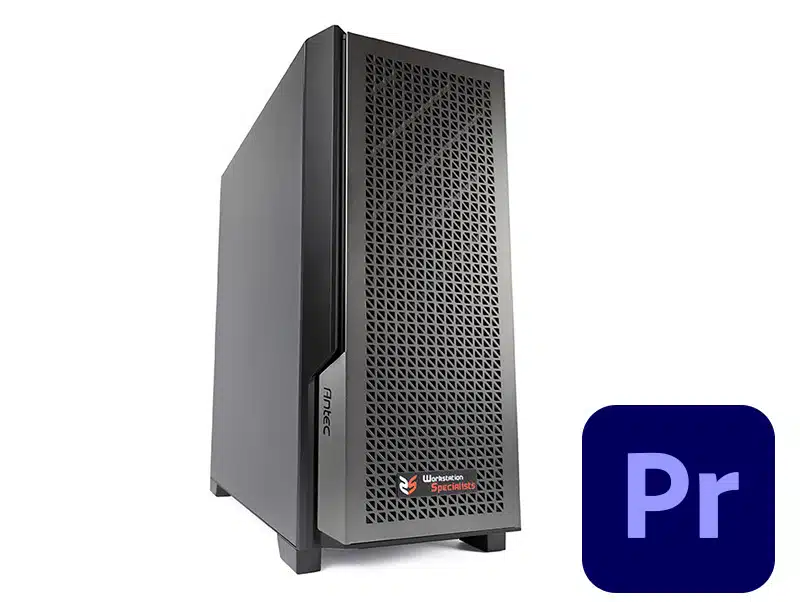
- HP Omen 45L – Gaming-Style Editor. AMD Ryzen 9 7950X, RTX 4090, up to 128GB RAM. Price: ~$2,499. Pros: Liquid cooling, RGB customization.
- Puget Systems Custom Workstation – Optimized for Premiere. Intel Core i9-14900K, RTX 4080, 64GB+ RAM. Price: ~$3,500. Pros: Benchmark-tuned, 3-year warranty.
- Lenovo Legion T5 – Mid-Range Value. AMD Ryzen 7, RTX 4070, 32GB RAM. Price: ~$1,499. Pros: Expandable, good for 4K edits.
- Orbital C1000 – Entry Pro. Intel Core Ultra 7, RTX 3060, 32GB. Price: ~$1,799. Pros: Compact tower.
Custom builds? Reddit users suggest Ryzen 9 with RTX 4080 for $1,500-$2,000 budgets, focusing on NVMe SSDs for scratch disks.
| Desktop Model | CPU/GPU | RAM/Storage | Price Range | Best For |
|---|---|---|---|---|
| Mac Studio (M4 Max) | M4 Max / Integrated | 64-128GB / 1TB+ | $3,999+ | Silent Studios |
| HP Omen 45L | Ryzen 9 / RTX 4090 | 64-128GB / 2TB+ | $2,499+ | Heavy Renders |
| Puget Custom | i9-14900K / RTX 4080 | 64GB+ / RAID SSD | $3,500+ | Benchmarks 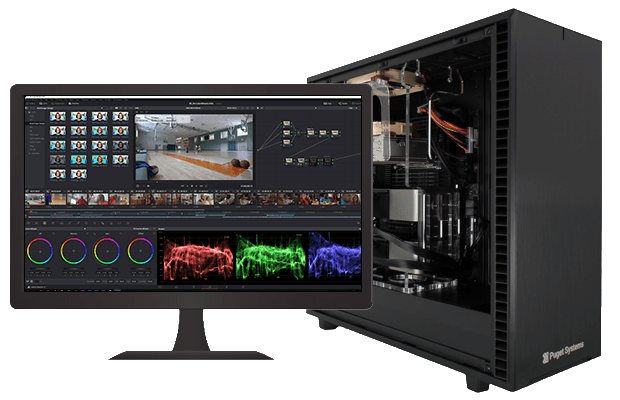 Video Editing & Motion Graphics | Puget Systems Video Editing & Motion Graphics | Puget Systems |
Best Budget Computers for Video Editing in Premiere Pro
Tight budget? You can still edit effectively under $1,000. Focus on 16GB+ RAM and dedicated GPUs.
Affordable Options Under $1,000
- ASUS TUF Gaming A16 – Best Budget Laptop. AMD Ryzen 7, RTX 3050, 16GB RAM. Price: ~$899. Handles HD edits well.
- Acer Aspire 7 – Entry-Level. Intel Core i5, RTX 3050, 16GB. Price: ~$799. Good for beginners.
- Dell Inspiron 16 – Everyday Editor. Intel Core i7, Integrated Graphics, 16GB. Price: ~$699. For light 1080p work.
Trade-offs include slower exports—use proxies in Premiere for smoother playback. YouTube reviews show these handling basic cuts efficiently.
Top Computers for Adobe Premiere Pro 2025: Reviews and Comparisons
Comparing top picks:
- MacBook Pro vs. Asus ProArt: Mac excels in battery and integration; Asus in GPU power for effects.
- Mac Studio vs. Custom PC: Apple for ease; PC for cost-effective upgrades.
Overall Top 8: 1. MacBook Pro 16 (M4 Pro), 2. Asus ProArt P16, 3. Mac Studio, 4. HP ZBook Fury, 5. Dell XPS 16, 6. Lenovo Legion T5, 7. MSI Raider, 8. ASUS TUF A16 (budget).
Benchmarks from ZDNET show M4 laptops rendering 4K timelines 30% faster than Intel equivalents.
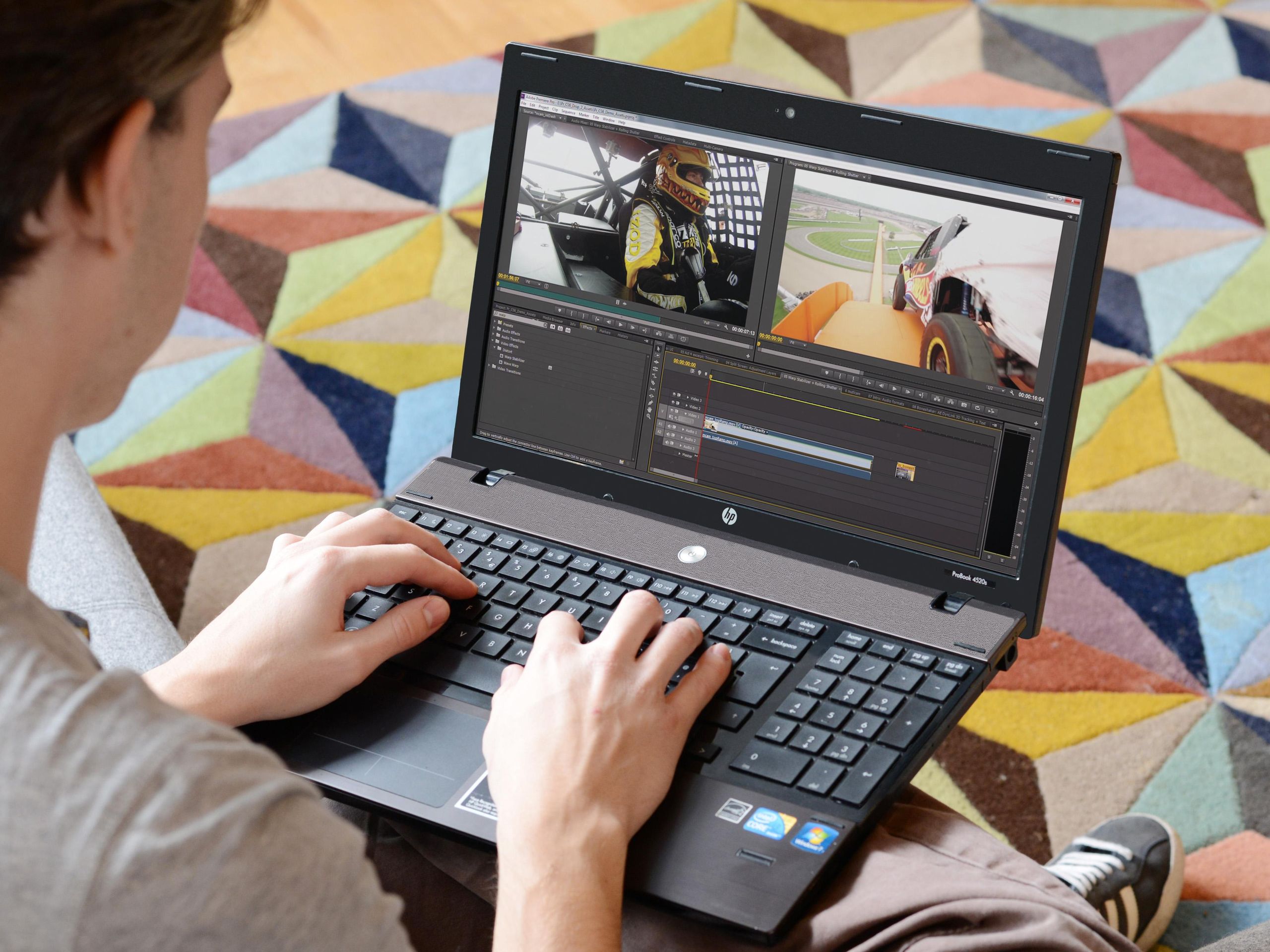

Buying Guide: Tips for Choosing Your Premiere Pro Machine
- Portability vs. Power: Laptops for travel; desktops for max performance.
- Future-Proofing: Opt for 64GB+ RAM and expandable storage.
- Accessories: External SSDs, color-calibrated monitors, and Adobe-certified GPUs.
- Testing: Use free trials of Premiere to benchmark your current setup.
FAQs
What’s the best computer for Adobe Premiere Pro under $1,500? The ASUS TUF A16 offers great value.
Mac or PC for Premiere Pro? Macs for ecosystem; PCs for customization.
How much RAM do I need? 32GB minimum for 4K.
Conclusion
In 2025, the best computer for Adobe Premiere Pro depends on your needs—go MacBook Pro for portability or a custom desktop for ultimate power. Invest in these specs, and you’ll edit faster and more creatively. For the latest deals, check retailers like Best Buy or Amazon. If you have questions, drop a comment below!