Why NVIDIA GPUs Dominate in 2025
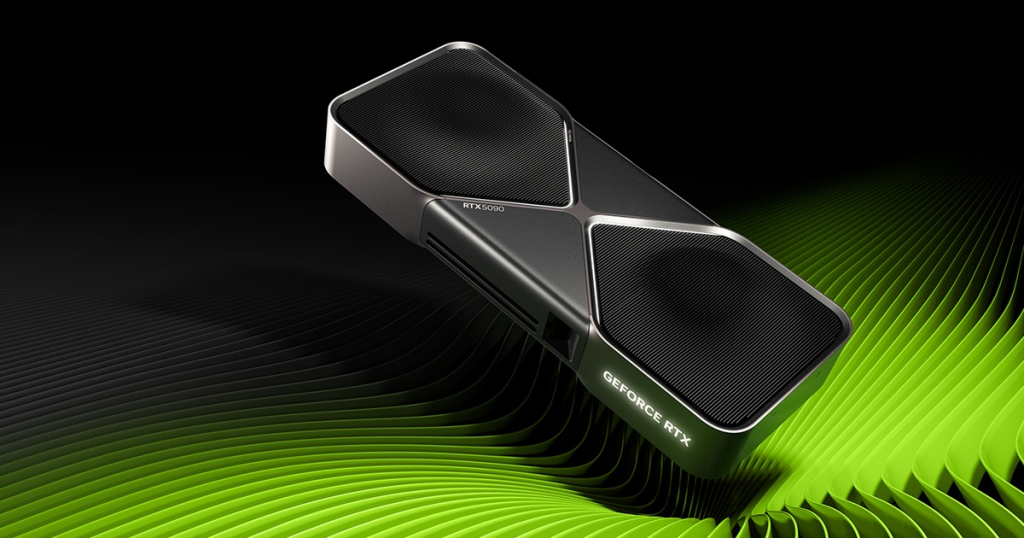
NVIDIA’s GeForce RTX series continues to set the standard for graphics processing units (GPUs), thanks to advancements in Blackwell architecture, DLSS 4 upscaling, and enhanced ray tracing cores. In 2025, the RTX 50-series has taken over from the Ada Lovelace-based 40-series, offering up to 50% better performance in rasterization and AI tasks. These GPUs excel in gaming at high resolutions, machine learning inference, and professional rendering, making them ideal for enthusiasts and pros alike.
Key factors we considered for our rankings:
- Performance Benchmarks: Based on real-world tests from 3DMark, Cinebench, and games like Cyberpunk 2077.
- Value for Money: FPS per dollar, especially with prices stabilizing post-launch.
- Power Efficiency: TDP ratings and performance-per-watt for eco-conscious builds.
- Features: Support for AV1 encoding, multi-monitor setups, and NVIDIA’s ecosystem like Reflex and Broadcast.
NVIDIA GPU Rankings for 2025: Top Picks at a Glance
Here’s a curated ranking of the best NVIDIA graphics cards in 2025, focused on gaming and high-performance use. We prioritized the RTX 50-series for their future-proofing, but included strong 40-series options for budget buyers. Data draws from aggregated benchmarks across resolutions (1080p, 1440p, 4K).
| Rank | Model | Key Specs | Best For | Approx. Price (USD) | Avg. 4K FPS (Raster) |
|---|---|---|---|---|---|
| 1 | RTX 5090 | 32GB GDDR7, 21,760 CUDA cores, 600W TDP | Ultra 4K gaming, AI training | $1,999 | 157 |
| 2 | RTX 5080 | 16GB GDDR7, 10,752 CUDA cores, 400W TDP | High-end 4K/1440p, content creation | $1,199 | 134 |
| 3 | RTX 5070 Ti | 16GB GDDR7, 8,448 CUDA cores, 320W TDP | Mid-high 1440p gaming, video editing | $799 | 124 |
| 4 | RTX 4090 (Legacy) | 24GB GDDR6X, 16,384 CUDA cores, 450W TDP | Value high-end if discounted | $1,599 | 150 |
| 5 | RTX 5070 | 12GB GDDR7, 7,168 CUDA cores, 285W TDP | Balanced 1440p, entry AI | $599 | 106 |
These rankings emphasize raw power and efficiency, with the RTX 5090 topping charts across all categories. For visual comparison, check this benchmark chart from Tom’s Hardware:
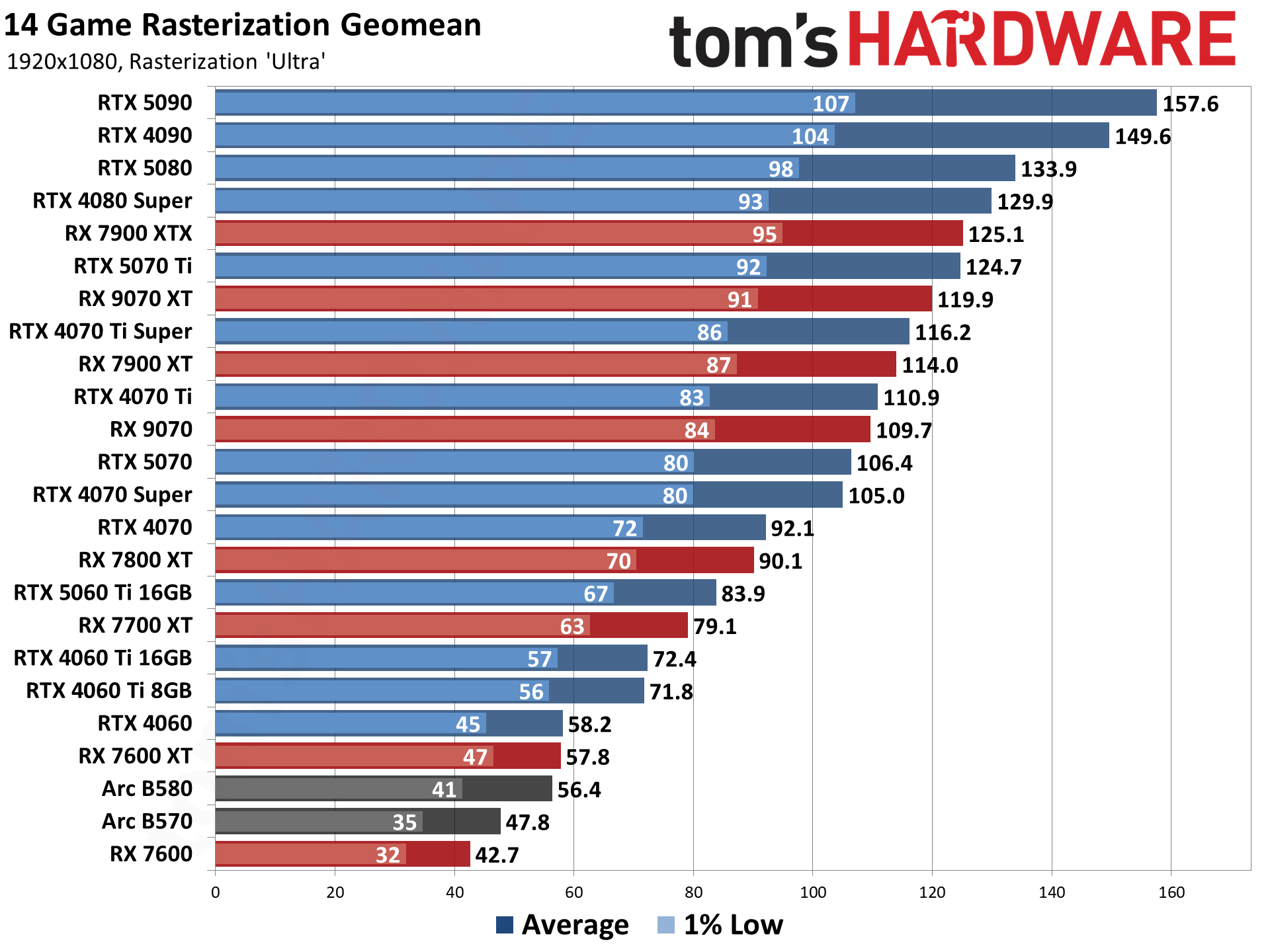
NVIDIA GPU performance comparison at 1080p rasterization (2025 benchmarks).
Detailed Reviews of Top NVIDIA GPUs
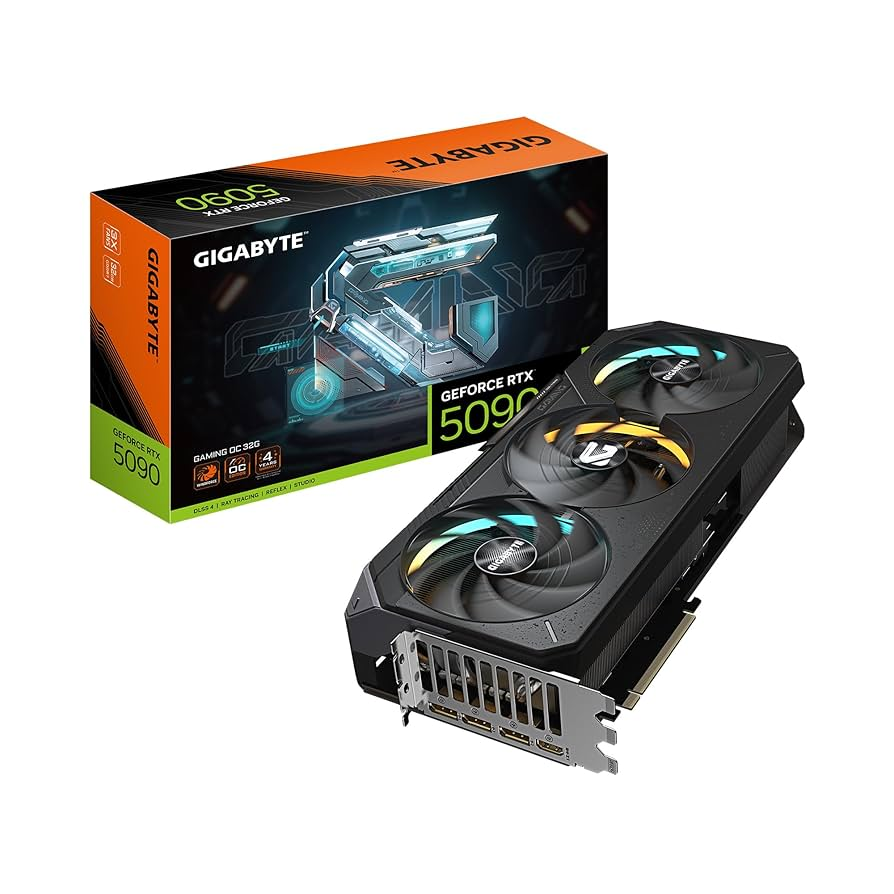
1. NVIDIA GeForce RTX 5090: The Unrivaled Flagship
The RTX 5090 is the pinnacle of NVIDIA’s top-tier GPUs, dominating 2025 benchmarks with its massive 32GB GDDR7 VRAM and Blackwell architecture. In tests, it delivers over 150 FPS in 4K ultra settings for demanding titles like Alan Wake 2 with full ray tracing enabled. Ideal for professional workstations in VFX or AI, it also shines in gaming with DLSS 4 boosting frame rates by up to 4x.
Pros: Insane performance, future-proof VRAM, excellent for 8K experiments. Cons: High power draw (600W), premium price. Best Use: Enthusiast gaming rigs or machine learning setups. Overclocking tips: Use MSI Afterburner for safe boosts up to 10% without thermal throttling.
2. NVIDIA GeForce RTX 5080: High-Performance Sweet Spot
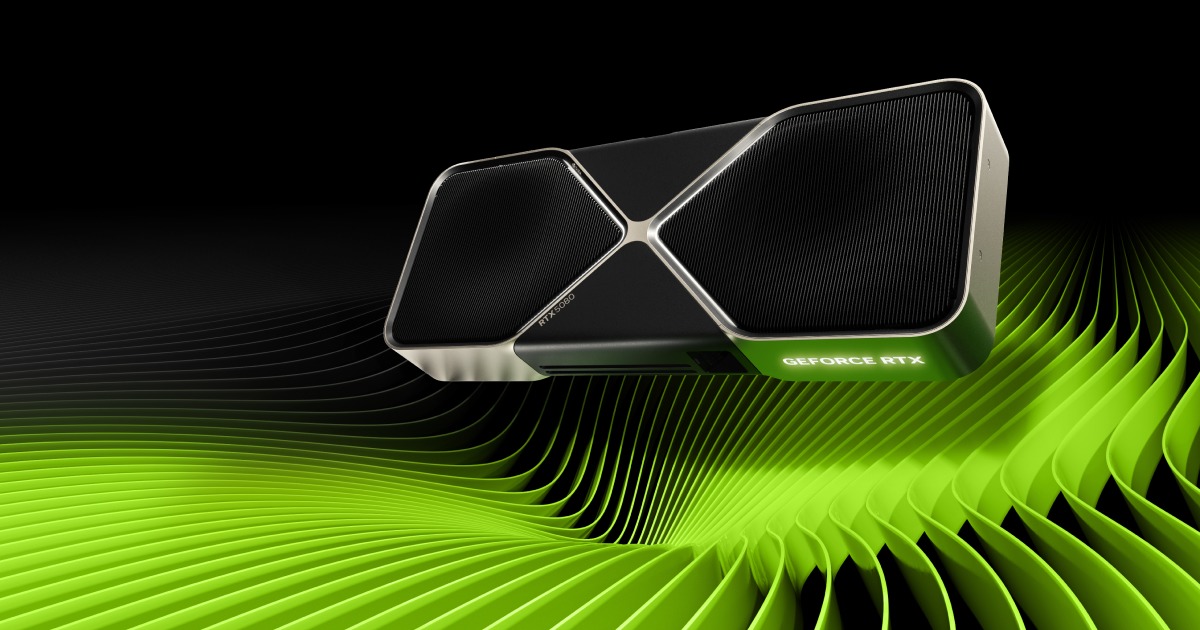
The sleek Founders Edition RTX 5080.
For those seeking high-performance NVIDIA GPUs without the flagship cost, the RTX 5080 offers a compelling balance. With 16GB GDDR7 and improved RT cores, it handles 4K gaming at 120+ FPS in most games, outperforming the previous RTX 4080 Super by 20-30%. It’s particularly strong in content creation, supporting fast NVENC encoding for 8K video.
Pros: Efficient cooling, great value at 1440p/4K, multi-monitor support. Cons: Still pricey for casual users. Best Use: Professional editing or competitive gaming. Pair it with a 750W PSU for optimal builds.
3. NVIDIA GeForce RTX 5070 Ti: Mid-Range Powerhouse

MSI Gaming Trio RTX 5070 Ti with RGB flair.
The RTX 5070 Ti ranks highly among best NVIDIA graphics cards for its versatility. Boasting 16GB VRAM and 320W TDP, it crushes 1440p gaming with ray tracing, achieving 100+ FPS in titles like Cyberpunk 2077. It’s a step up from the RTX 4070 Ti Super, with better efficiency for laptops too.
Pros: Affordable high-end features, low noise under load. Cons: May struggle at max 4K without DLSS. Best Use: Content creators or gamers upgrading from 30-series. Consider AIO cooling for sustained performance.
4. Evolution and Comparisons: From Ada to Blackwell
NVIDIA’s top-tier GPUs have evolved dramatically. The shift from Pascal (10-series) to Blackwell emphasizes AI acceleration, with CUDA cores doubling in efficiency. Compared to AMD’s RX 9070 XT, NVIDIA edges out in ray tracing and software ecosystem, though AMD offers better raster value at mid-range.
For crypto mining or efficiency: The RTX 5070 series leads with sub-300W draws, ideal for eco-friendly setups.

TechPowerUp average FPS chart for NVIDIA and competitors at 1440p.
Buying Guide: How to Choose the Best NVIDIA GPU in 2025
- Budget Breakdown: Under $600? Go RTX 5070. $800+? RTX 5070 Ti or higher.
- Resolution Match: 1080p – RTX 5060; 1440p – RTX 5070; 4K – RTX 5080+.
- Compatibility Tips: Ensure PCIe 5.0 support and adequate PSU (e.g., 850W for RTX 5090).
- Where to Buy: Check NVIDIA’s site, Amazon, or Best Buy for deals.
- Future-Proofing: Opt for 16GB+ VRAM for AI and upcoming games.
If you’re building a PC, prioritize airflow—top NVIDIA GPUs run hot under load.
Final Thoughts on Top NVIDIA GPUs
In 2025, NVIDIA’s lineup, led by the RTX 5090, offers unmatched performance for gaming and beyond. Whether you’re eyeing high-performance NVIDIA GPUs for workstations or best NVIDIA graphics cards for value, this guide equips you with expert insights to make an informed choice. Stay tuned for updates as new models emerge, and remember: The right GPU transforms your setup. For more tech advice, explore our related guides on AMD comparisons or overclocking.