GPU for Laptop: The Ultimate Guide to Understanding and Choosing Your Mobile Graphics Powerhouse
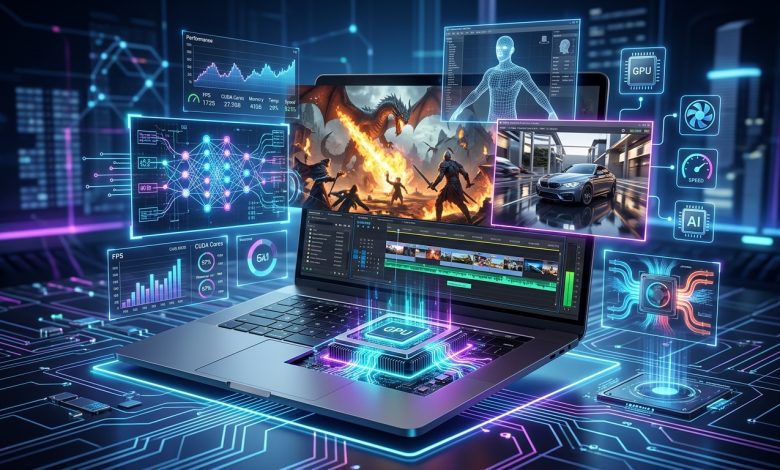
Table of Contents
GPU for laptop performance is a critical consideration for anyone investing in a portable computing device, especially in today’s demanding digital landscape. A Graphics Processing Unit (GPU), often referred to as a graphics card or video card, is a specialized electronic circuit designed to rapidly manipulate and alter memory to accelerate the building of images for display. From casual web browsing and video playback to high-fidelity gaming, professional content creation, and complex artificial intelligence tasks, the GPU dictates a laptop’s visual prowess and computational capabilities. Understanding the nuances of laptop GPUs is essential for making an informed purchase that aligns with your specific needs and budget.
Understanding the Core Role of a GPU in Laptops
The GPU serves as the visual brain of your laptop. Its primary function is to render images, animations, and graphics, displaying them smoothly and efficiently on the screen. While the Central Processing Unit (CPU) handles the general computational tasks, the GPU excels at parallel processing, making it exceptionally good at handling the multitude of calculations required for graphics rendering. This parallel architecture allows GPUs to perform hundreds or even thousands of calculations simultaneously, a capability that extends beyond just graphics to other intensive tasks like AI processing and model training.
In modern laptops, the GPU’s importance has grown exponentially. For everyday applications, integrated GPUs (iGPUs) can comfortably manage graphical user interfaces, including shadows, semi-transparent backgrounds, and animations. However, for more demanding applications such as newer video games, virtual reality, technical calculations, and advanced photo editing, a more powerful, dedicated GPU is typically required. The evolution of GPUs, which traces back to arcade machines in the 1970s and became common in personal computers in the mid-1990s, has led to sophisticated units capable of calculating complex geometric objects and lighting effects. Today, GPU performance is often measured in floating-point operations per second (FLOPS), with modern GPUs delivering teraflops (TFLOPS) of performance.
Integrated vs. Dedicated GPUs: A Fundamental Choice
When considering a laptop’s graphics capabilities, the fundamental distinction lies between integrated and dedicated (or discrete) GPUs. This choice significantly impacts a laptop’s performance, battery life, cost, and design.
- Integrated Graphics Processing Units (iGPUs): These are built directly into the same chip as the CPU and share the system’s main RAM. IGPs are designed for energy efficiency and cost-effectiveness, making them ideal for everyday tasks like web browsing, video playback, and light productivity. They are commonly found in ultrabooks, budget-friendly laptops, and mobile devices where battery life and portability are prioritized. While they have improved significantly, with some modern iGPUs (like AMD’s Radeon 780M and Intel’s Arc-powered Meteor Lake chips) now capable of running games at 1080p resolution and 60 frames per second, they generally cannot match the raw power of dedicated cards for graphically intensive applications.
- Dedicated Graphics Processing Units (dGPUs): Also known as discrete graphics cards, these are standalone chips with their own dedicated video memory (VRAM). Discrete GPUs are installed separately from the CPU, typically in a PCIe slot in desktop PCs, or integrated onto the laptop’s motherboard. They are specifically engineered for high-performance scenarios such as serious gaming, professional graphics work, 3D rendering, and scientific computing. The advantage of dGPUs lies in their superior processing power and independent memory, which prevents them from competing with the CPU for system resources. This allows for smoother gameplay, higher frame rates, and better visual fidelity. However, this enhanced performance comes at the cost of higher power consumption, increased heat generation, and often a higher price tag.
The choice between integrated and dedicated graphics depends heavily on the intended use. For users who primarily focus on productivity, media consumption, and light tasks, an iGPU-equipped laptop offers a balance of performance, portability, and battery life. For gamers, content creators, and professionals requiring substantial graphical horsepower, a laptop with a dedicated GPU is non-negotiable.
Leading the Charge: NVIDIA and AMD in the Laptop GPU Market
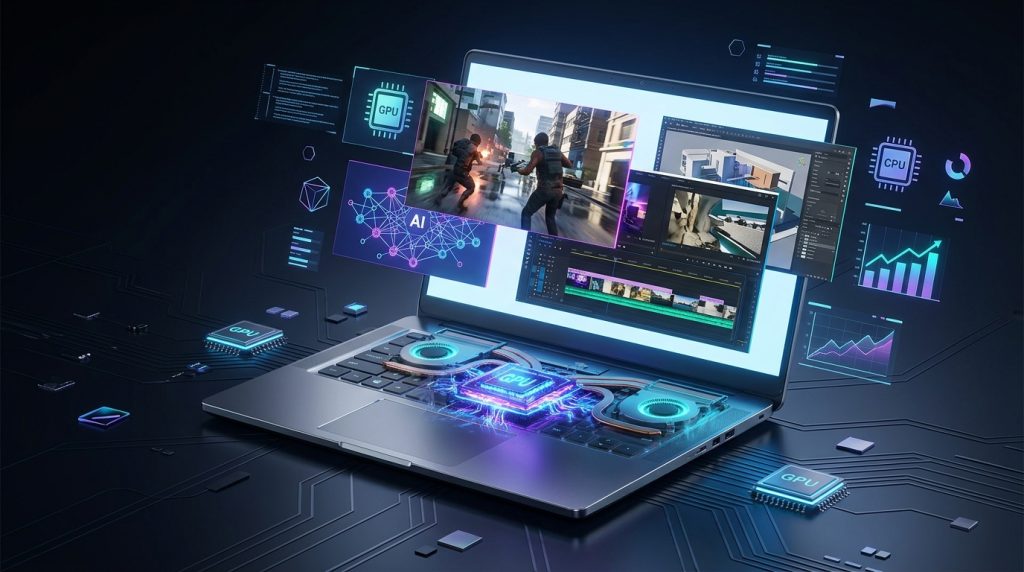
The laptop GPU market is primarily dominated by two major players: NVIDIA and AMD. Both companies offer a wide range of GPUs catering to different performance tiers, from entry-level to high-end enthusiast models.
- NVIDIA GeForce Series: NVIDIA’s GeForce series is widely recognized, especially their RTX line, which has become a benchmark for gaming and creative workloads. NVIDIA’s laptop GPUs are typically categorized into:
- MX Series: Entry-level, suitable for casual users and light tasks, offering an upgrade from integrated graphics.
- GTX Series: Mid-range, designed for intermediate gaming and creative tasks, though largely superseded by RTX in newer generations.
- RTX Series (e.g., RTX 30, RTX 40, and the upcoming RTX 50 series): High-end, featuring advanced technologies like real-time ray tracing, DLSS (Deep Learning Super Sampling), and AI acceleration. The RTX 40 series, for instance, offers models like the RTX 4050 (entry-level gaming with 6GB VRAM, supporting DLSS 3 and ray tracing), RTX 4060 (most popular mid-range with 8GB VRAM, excellent for 1080p/1440p gaming), RTX 4070, RTX 4080 (for uncompromising 1440p and some 4K gaming), and the flagship RTX 4090 (16GB VRAM, capable of viable 4K gaming on a laptop). NVIDIA’s naming scheme can be confusing as laptop GPUs often share names with desktop counterparts but typically offer different performance levels due to power limits and chip configurations. The latest RTX 50 series, expected to include GPUs like the RTX 5080, are designed for AI-enhanced gaming, better ray tracing, and improved energy efficiency.
- AMD Radeon RX Series: AMD’s Radeon RX series provides strong competition, particularly with its focus on performance-per-watt and value. Key characteristics include:
- RDNA Architecture: AMD’s modern GPUs are based on the RDNA architecture, with the latest mobile offerings featuring RDNA 3 (e.g., Radeon RX 7000S series) designed for efficiency and performance.
- FSR (FidelityFX Super Resolution): AMD’s upscaling technology, FSR, aims to boost frame rates and image quality across various GPUs, including older models.
- Naming Convention: AMD’s laptop GPUs generally follow a similar numerical series to their desktop counterparts, sometimes with an ‘M’ suffix, though it’s still crucial to check specific laptop implementations for performance details.
Both manufacturers continually innovate, pushing boundaries with smarter architecture, improved performance per watt, and cutting-edge features. Intel has also entered the dedicated GPU market with its Arc series, offering another option for consumers.
Key Factors When Choosing a Laptop GPU
Selecting the right GPU for a laptop involves more than just looking at the model number. Several interconnected factors influence performance, user experience, and overall value.
| Factor | Description | Impact on Performance/Experience |
|---|---|---|
| GPU Model/Series | NVIDIA GeForce RTX, AMD Radeon RX, Intel Arc. Indicates generational performance and feature set (e.g., ray tracing, DLSS/FSR). | Directly determines raw graphical processing power, frame rates in games, and speed in creative applications. Newer generations often bring significant improvements. |
| VRAM (Video RAM) | Dedicated memory on the graphics card for storing graphical data. Common sizes are 6GB, 8GB, 12GB, 16GB. | More VRAM allows for higher resolutions, better texture quality, and smoother performance in memory-intensive applications and future titles. Insufficient VRAM can lead to stuttering. |
| TGP (Total Graphics Power) / Wattage | The maximum power (in watts) the laptop supplies to the GPU. Often hidden in specs, but crucial. | A higher wattage allows the GPU to run at higher clock speeds for longer, significantly impacting performance. A lower-tier GPU with higher TGP can sometimes outperform a higher-tier GPU with lower TGP. |
| Cooling System | Fans, heat pipes, vapor chambers, thermal paste/liquid metal. | Essential for sustaining peak GPU performance. Poor cooling leads to thermal throttling (reduced clock speeds to prevent damage), which severely limits performance and can shorten hardware lifespan. |
| CPU Pairing | The laptop’s CPU works in tandem with the GPU. | A balanced system is crucial. A weak CPU can “bottleneck” a powerful GPU, preventing it from reaching its full potential. Look for at least an Intel Core i5/i7 or AMD Ryzen 5/7 for gaming/demanding tasks. |
| Display Resolution & Refresh Rate | The screen’s pixel count (e.g., 1080p, 1440p, 4K) and how many times it updates per second (Hz). | Higher resolutions require a more powerful GPU and more VRAM. Higher refresh rates (e.g., 120Hz, 144Hz, 240Hz) provide smoother visuals, especially in fast-paced games, but also demand more from the GPU. |
When comparing laptop GPUs, it’s vital to look beyond just the model number, as a laptop’s specific implementation (particularly its TGP and cooling) can cause significant performance differences even between laptops with the same GPU. Always research benchmarks and reviews for the exact laptop model you are considering to understand real-world performance.
GPU Performance for Specific Use Cases
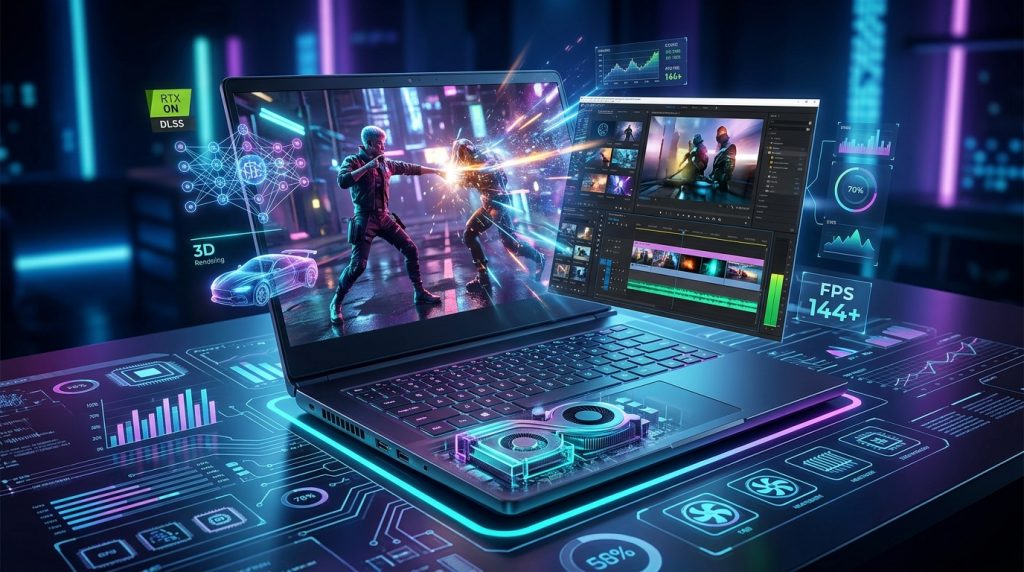
The “best” GPU for a laptop is highly dependent on how the laptop will be used. Different applications and workloads leverage GPU capabilities in distinct ways.
- Gaming: For gamers, the GPU is arguably the most crucial component. Modern gaming demands dedicated GPUs, with NVIDIA’s RTX series and AMD’s Radeon RX series being the primary choices. A GPU with at least 6GB of VRAM is recommended for smooth 1080p gaming, while 8GB or more is beneficial for 1440p and higher resolutions or graphically intensive titles. Features like ray tracing (for realistic lighting and reflections) and AI-powered upscaling technologies like NVIDIA’s DLSS and AMD’s FSR are increasingly important for achieving high frame rates at higher resolutions. The latest RTX 5080 is considered a remarkably powerful mobile GPU for gaming.
- Content Creation (Video Editing, 3D Rendering, Graphic Design): Professionals in creative fields require GPUs that can accelerate rendering times and handle complex visual projects. NVIDIA’s RTX GPUs are often favored for their CUDA core architecture, which many professional applications are optimized for, and features like real-time ray tracing and AI enhancements. AMD’s Radeon Pro series also caters to workstations. More VRAM (10-12GB+) is highly beneficial for these tasks, especially for 4K video editing and intricate 3D models.
- Artificial Intelligence and Machine Learning: GPUs are increasingly vital for AI and machine learning tasks due to their parallel processing capabilities. Training complex neural networks and running large datasets benefits immensely from powerful GPUs with ample VRAM. NVIDIA’s GPUs, particularly their Tensor Core GPUs (found in RTX series and datacenter-focused A100/H100), are widely used in AI research due to their CUDA platform and specialized AI acceleration hardware. For local prototyping and debugging of GPU code on a laptop, a dedicated NVIDIA RTX GPU is often preferred.
- Everyday Use and Light Tasks: For general productivity, web browsing, streaming, and light photo editing, an integrated GPU is usually sufficient and offers better battery life and portability. These users prioritize efficiency and cost-effectiveness over raw graphical power.
The Evolving Landscape of Laptop Cooling and Power
The compact nature of laptops poses significant challenges for high-performance GPUs. Powerful GPUs generate substantial heat, and effective thermal management is crucial to prevent performance throttling and ensure hardware longevity.
- Thermal Management Technologies: Laptop manufacturers employ various cooling solutions, including advanced fan designs, multiple heat pipes, vapor chambers, and high-quality thermal compounds like liquid metal. A robust cooling system is key to allowing a GPU to sustain its boost clocks and deliver consistent performance during demanding workloads. Without adequate cooling, a powerful GPU can quickly overheat, leading to reduced clock speeds and a diminished user experience.
- Power Consumption (TGP): As discussed, Total Graphics Power (TGP) is a critical metric. High-performance laptop GPUs can consume between 140 to 175 watts, while mid-range GPUs typically draw 80 to 120 watts. This power draw directly impacts battery life and requires larger power adapters. Manufacturers often balance performance and power efficiency through features like NVIDIA’s Max-Q design, which optimizes GPUs for thin and light laptops. Adjusting power settings, capping frame rates, and optimizing in-game graphics can also help manage GPU power usage and reduce heat.
- Impact on Laptop Design: Laptops with high-end GPUs and robust cooling systems tend to be thicker and heavier to accommodate the necessary hardware. This trade-off between performance and portability is a constant consideration for manufacturers and consumers alike. Investing in external cooling pads can also help improve airflow and reduce temperatures for sustained performance.
Understanding these thermal and power considerations is paramount, as even the most potent GPU will underperform if the laptop cannot effectively dissipate its heat. To delve deeper into the technical aspects of GPU power consumption and its implications, resources like Wikipedia’s article on Graphics Processing Units provide comprehensive information on the subject.
Future Trends and Innovations in Laptop GPUs
The future of GPU for laptop technology is dynamic, with continuous advancements shaping how we interact with portable computing. Several key trends are emerging:
- Enhanced Integrated Graphics: There’s a growing sentiment that integrated GPUs could become powerful enough for mainstream gaming, potentially blurring the lines between gaming and work laptops. With continuous improvements in architectures like AMD’s RDNA and Intel’s Arc, integrated graphics are increasingly capable of delivering satisfying performance in modern games at 1080p resolution. This could lead to thinner, lighter laptops that still pack a punch for many users.
- AI Integration and Upscaling Technologies: AI is becoming deeply embedded in GPU functionality. Technologies like NVIDIA’s DLSS and AMD’s FSR use AI to upscale lower-resolution images to higher resolutions, significantly boosting frame rates without a noticeable loss in visual quality. Future iterations, such as NVIDIA’s DLSS 4.5 and AMD’s FSR 4, promise even greater performance and image fidelity, further enhancing the capabilities of laptop GPUs. AI is also being utilized in tasks beyond gaming, such as content creation and professional applications, with dedicated AI accelerators becoming more common.
- Power Efficiency and New Architectures: Manufacturers are constantly striving for better performance per watt. New GPU architectures are designed to be more energy-efficient, allowing for more powerful GPUs in compact laptop form factors without excessive heat or battery drain. This focus on efficiency is crucial for the continued evolution of high-performance mobile computing.
- Ray Tracing Advancements: Real-time ray tracing, which simulates the physical behavior of light, continues to improve, offering incredibly realistic visuals in games and professional renderings. Future laptop GPUs will likely feature even more advanced ray tracing cores, making this technology more accessible and performant on mobile platforms.
These trends indicate a future where laptop GPUs will offer a more versatile and powerful experience, catering to an even broader range of users with increasingly sophisticated demands. The innovation in integrated graphics, coupled with the relentless pursuit of AI-driven performance and power efficiency in dedicated GPUs, promises exciting developments for the mobile computing landscape.
Conclusion
The GPU for laptop is undeniably one of its most critical components, acting as the engine behind all visual output and a growing array of computational tasks. From powering immersive gaming experiences to accelerating complex professional workloads and pioneering artificial intelligence applications, the right GPU can transform a laptop from a basic tool into a formidable powerhouse. Understanding the fundamental differences between integrated and dedicated graphics, knowing the offerings from market leaders like NVIDIA and AMD, and diligently evaluating factors such as VRAM, TGP, and cooling solutions are essential steps for any prospective laptop buyer. As technology continues to evolve, with advancements in integrated graphics, AI-powered upscaling, and increasingly efficient architectures, the capabilities of laptop GPUs will only continue to expand, offering users unprecedented performance and versatility in a portable form factor. Choosing wisely ensures your laptop is not just a device for today, but a robust platform ready for the demands of tomorrow.